
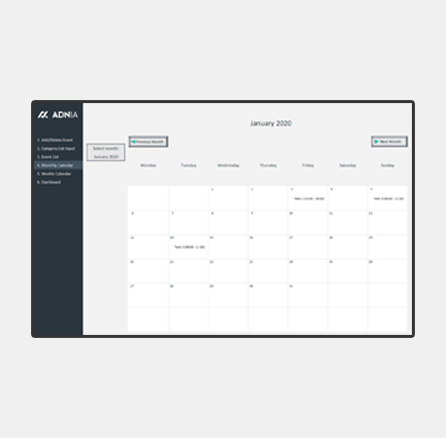
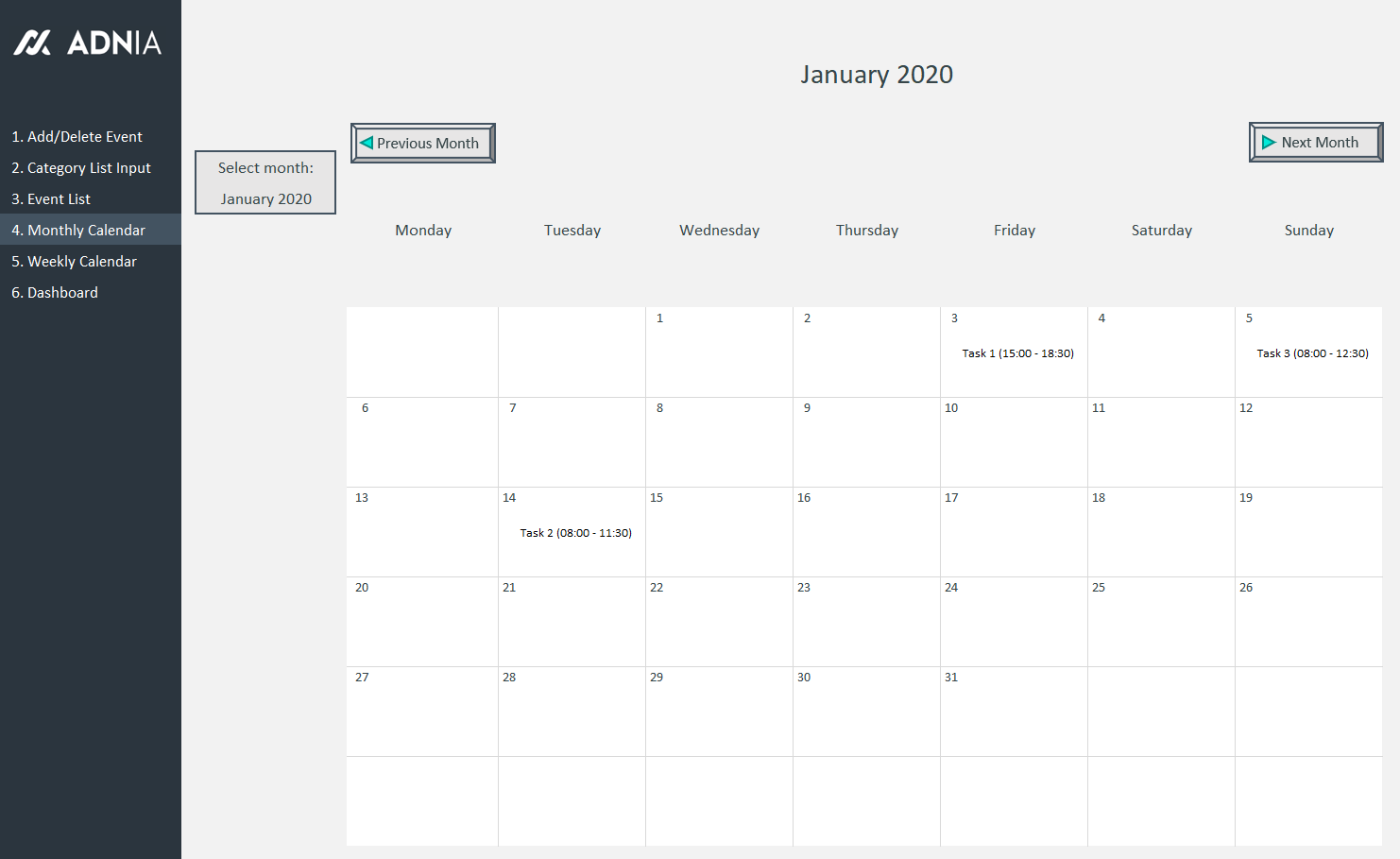
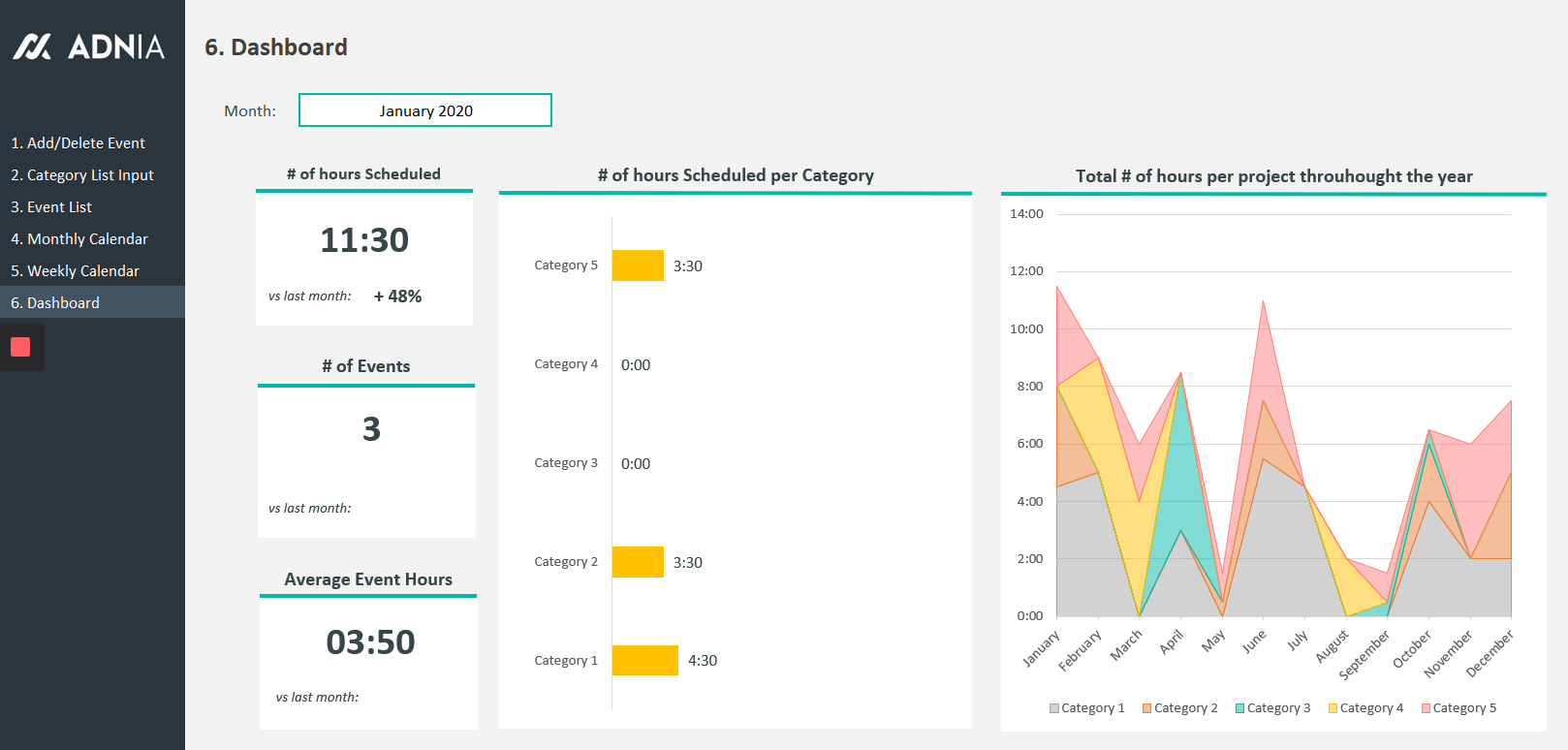


Automated Monthly Schedule Template
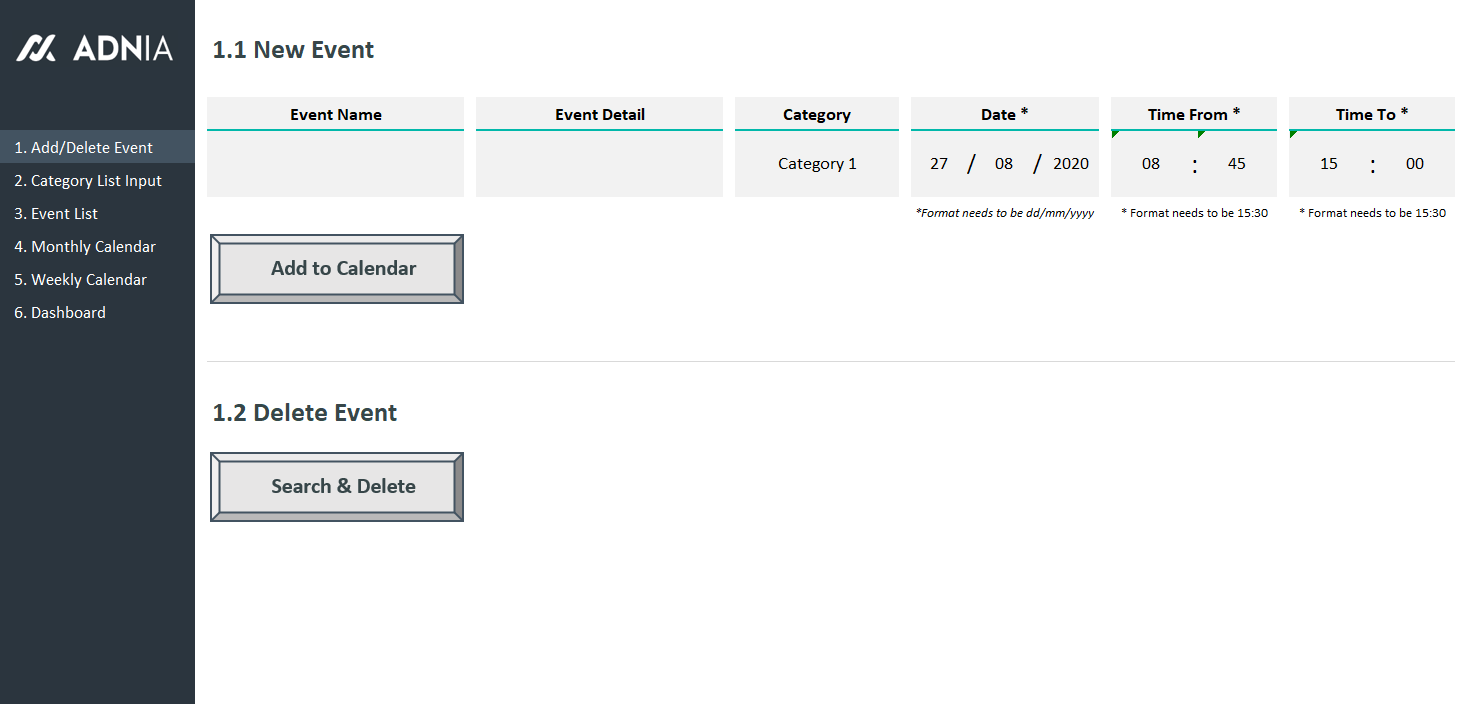
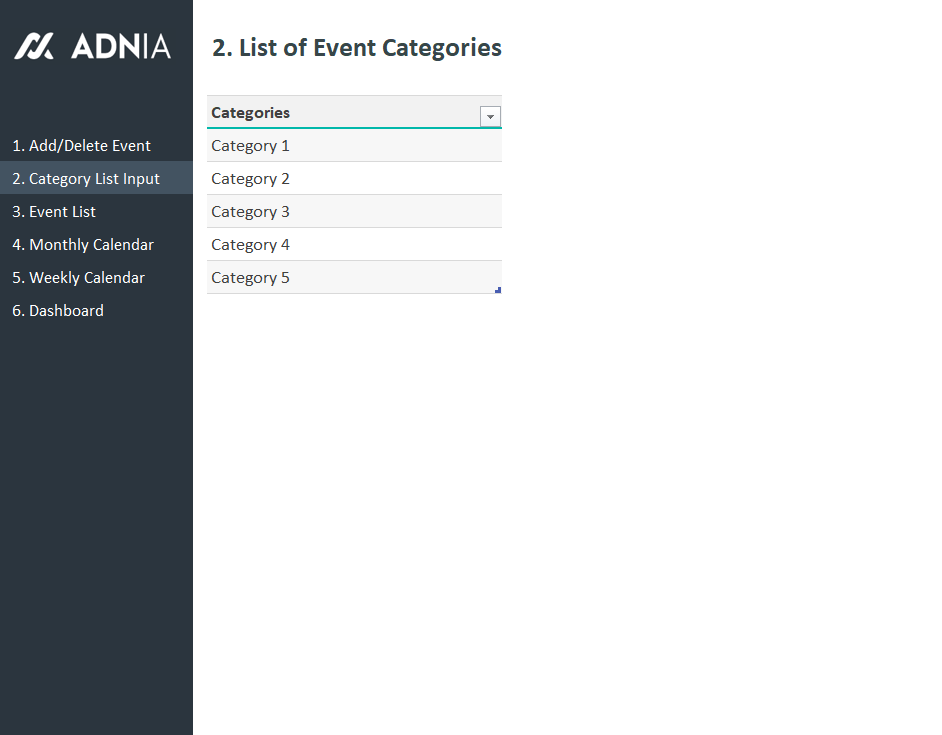
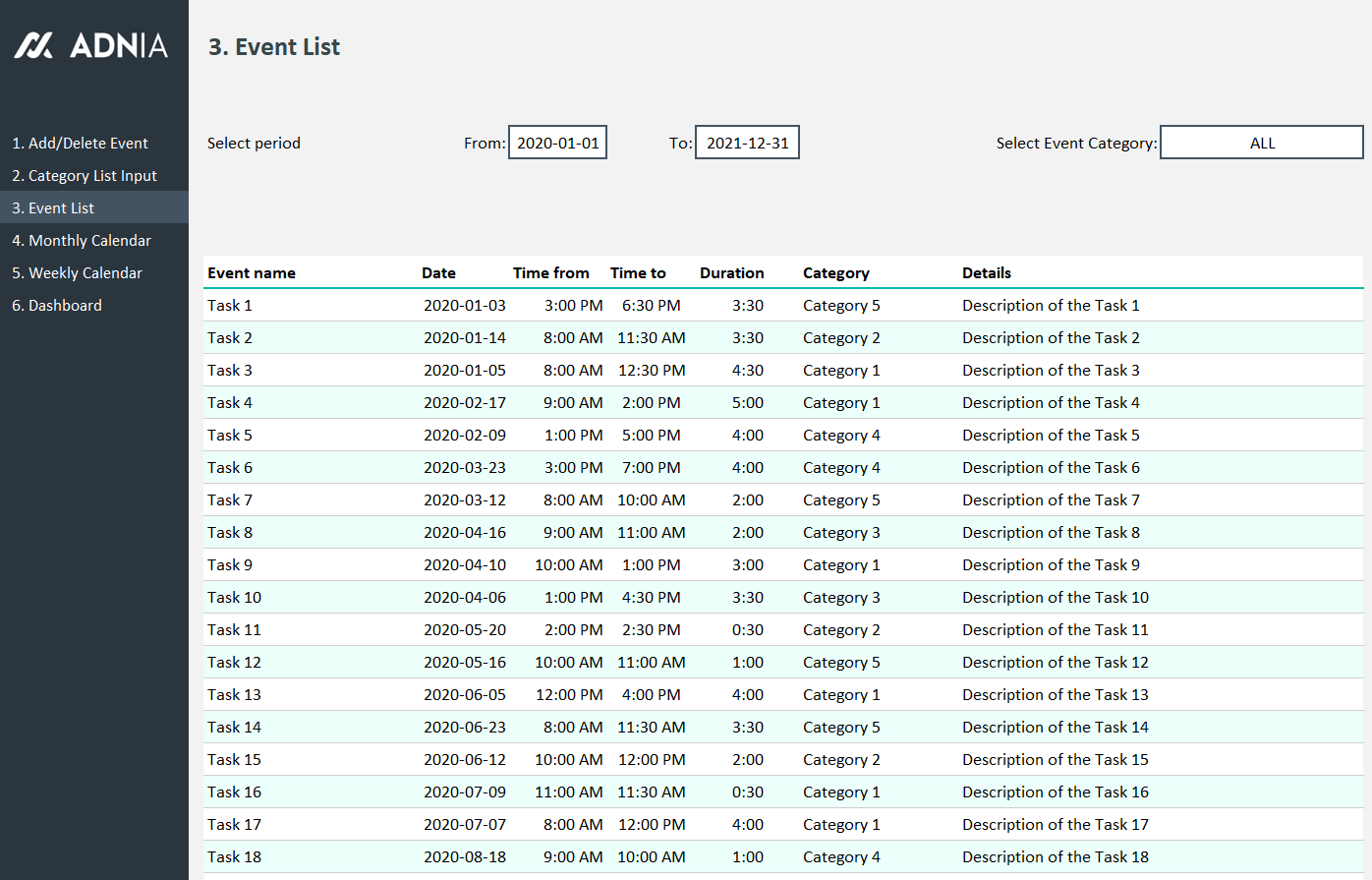
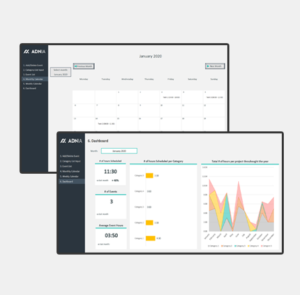
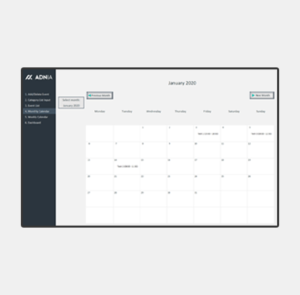
The Automated Monthly Schedule Template is a tool designed to help organise and track tasks, weather they are related to a specific purpose, such as allocating time and resources to clients, or for an overall organisational need. The event list and Dashboard are analysis features that makes this tool more than a simple calendar, it is an excellent time management tool.
Key Features
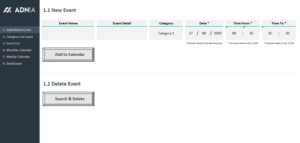
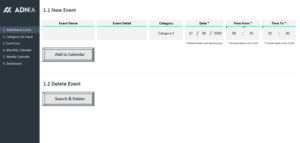
- No limit in number of tasks added
- Possibility to view calendar under monthly format
- Ability to add tasks until end of 2021
Simple and Professional
- Microsoft Excel spreadsheet template
- Side menu for easy navigation between pages
- Spreadsheets ready for printing without Adnia logo
- No monthly fees
- Immediate download
- Secure payment with PayPal or Stripe (no account needed)
- Fully unlocked template
What is included?
- One template with sample data
- One template ready to receive your data
Download Free Demo Version
- Estimated Delivery : Up to 4 business days
- Free Shipping & Returns : On all orders over $200
How it works:
Other Information
- Built for Excel 2010 or later
- Windows Only
- Licensed for Private Use Only (not for distribution or resale)
The template may NOT be sold, distributed, published to an online gallery, hosted on a website, or placed on any server in a way that makes it available to the general public.
Help & Support
support@adniatemplates.com
5 reviews for Automated Monthly Schedule Template
5.00 out of 5 stars
Add a review
Related products
-
-
-
-
Annual Report Template Excel
Original price was: $35.$29.40Current price is: $29.40. -
Contract Management Excel Template
Original price was: $60.$39Current price is: $39.
Charvi Deshmukh –
I prefer having the entire month laid out in one clear schedule instead of keeping dates and tasks in different places. Updating plans is straightforward, and the organized layout makes it much easier to see what’s coming up and avoid missing important deadlines.
Melissa Grant –
I like how quickly I can update my schedule when plans change. It keeps the whole month organized without needing to rebuild the calendar.
Alaric Fitzgerald –
The Automated Monthly Schedule Template has made planning my month much easier. I can organize activities and schedules clearly in one place, and the automated setup saves me from constantly adjusting the calendar manually.
Jennifer Adams –
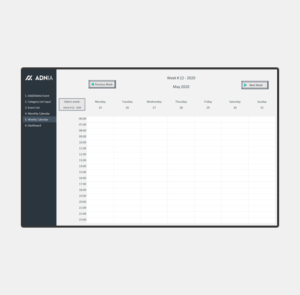
This template has made planning our monthly workload so much easier. I can switch between the calendar and list views without having to update everything twice.
Malcolm Frost –
A practical scheduling tool for anyone who prefers managing work in Excel. The monthly calendar is clear, the pages are ready to print, and the dashboard adds helpful analysis that ordinary calendars do not provide.