

Product on sale
Automated Kanban Excel Template 3.0
Managing your workflow just got a whole lot easier. Our Automated Kanban Excel Template keeps your projects moving from “to-do” to complete. Use this project management tool to visualize the progress of projects, maximize efficiency and communicate better with your colleagues.
Bonus for a limited time: On the purchase of the Automated Kanban spreadsheet, you will receive the Projects KPIs Excel Template for free.
Buy full version
- Estimated Delivery : Up to 4 business days
- Free Shipping & Returns : On all orders over $200
Key Features
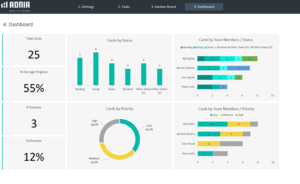
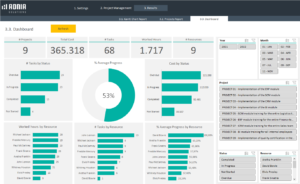
- Beautiful dashboard displays clear visuals: Cards by Status, Cards by Priority, Cards by Team members/Status, Cards by Team members/Priority
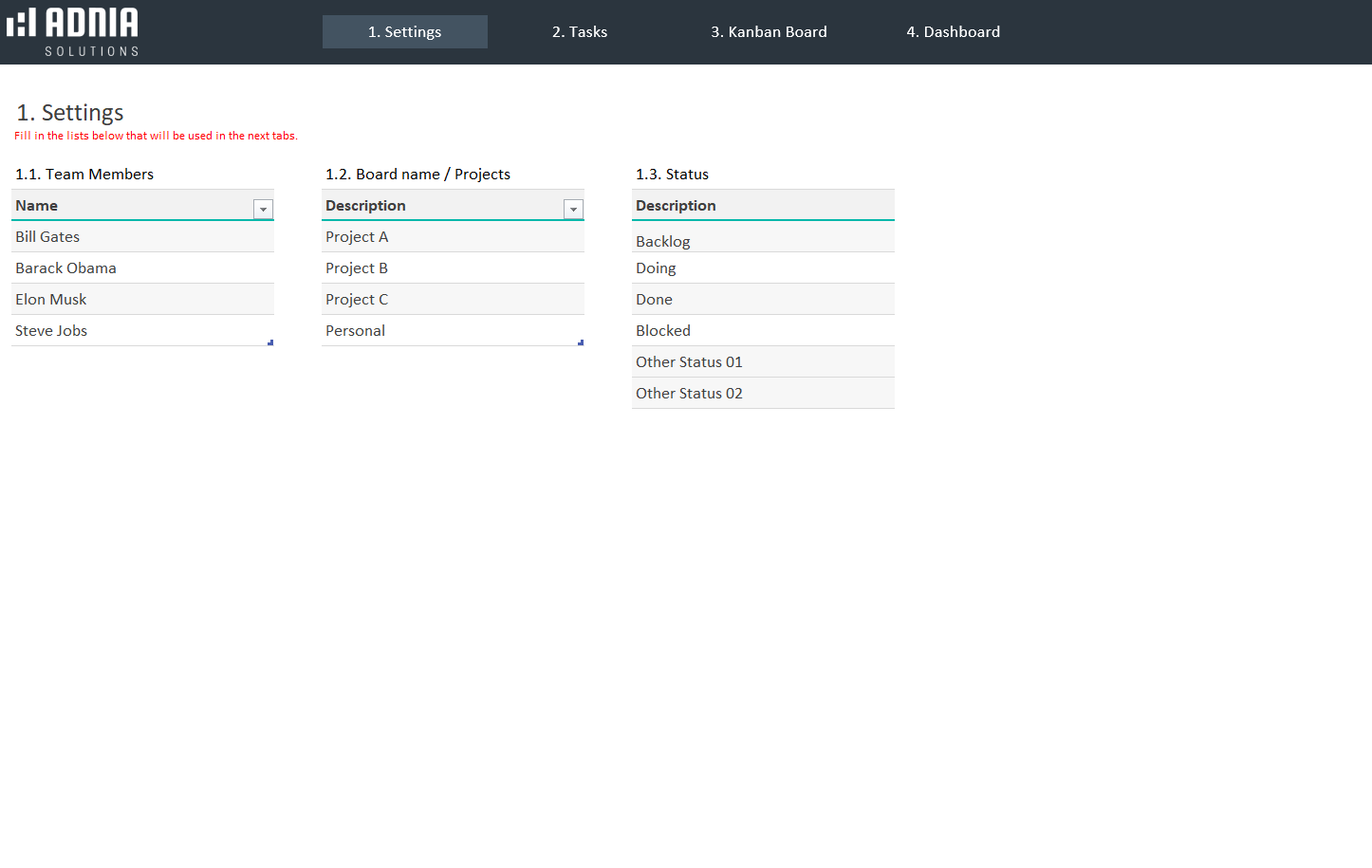
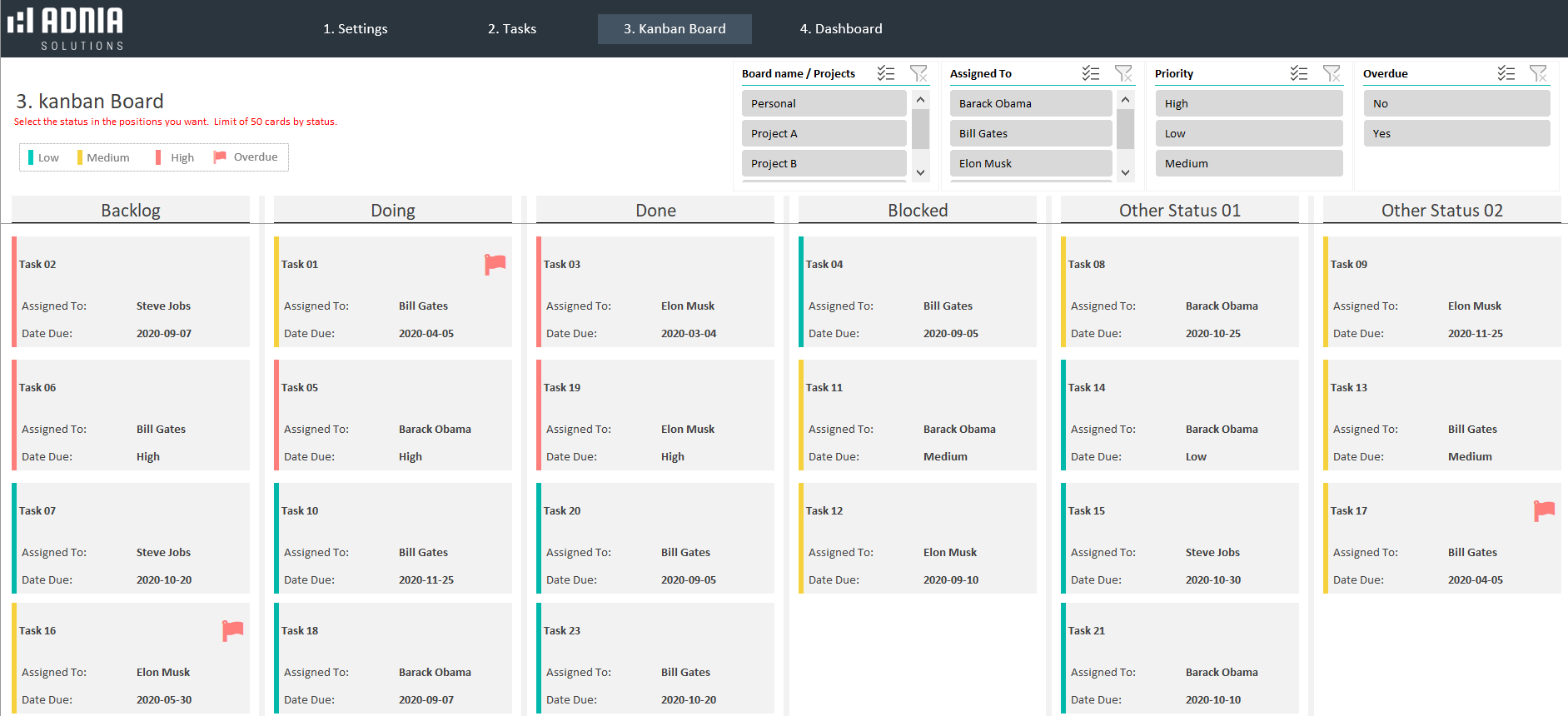
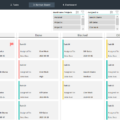
- Track your projects (cards) over time from Blocked, Doing, Done, Overdue and Backlog
- Make presentations and reports easier and more professional
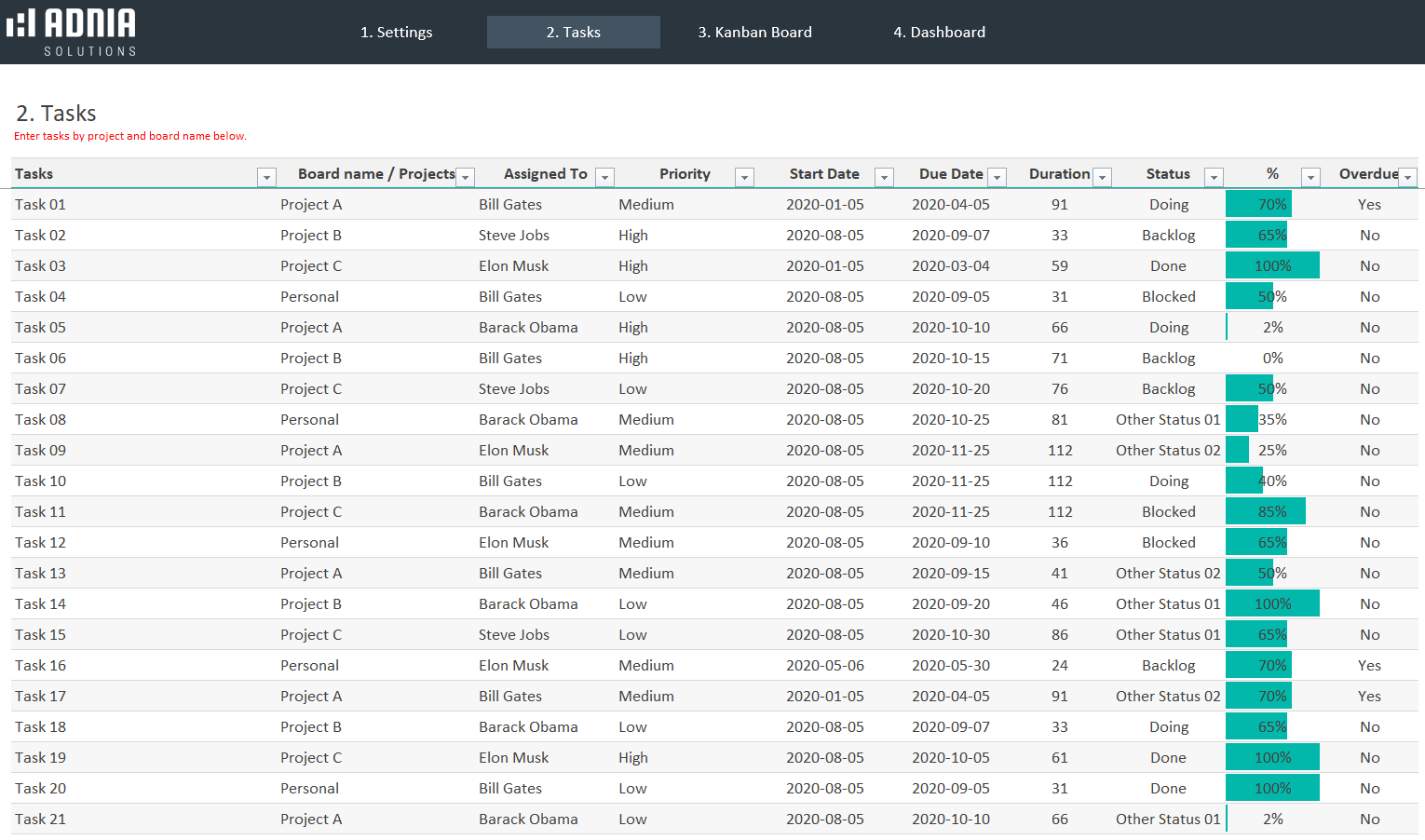
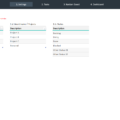
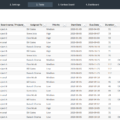
- Present up to 200 tasks on different projects or status and be able to filter them in many ways
This template is designed for maximum impact from data organization to the colors we use. Ditch the piles of post-it notes and try our Kanban board today!
Simple and Professional
- Fully unlocked template
- VBA Code and Macros to automate tasks
- Spreadsheets ready for printing without Adnia logo
- No monthly fees
- Immediate download
- Secure payment with PayPal or Stripe (no PayPal account needed)
How it works:
Other Information
- Built for Excel 2010 or later
- Licensed for Private Use Only (not for distribution or resale)
The template may NOT be sold, distributed, published to an online gallery, hosted on a website, or placed on any server in a way that makes it available to the general public.
Help & Support
| License | Free version, Full Version |
|---|
7 reviews for Automated Kanban Excel Template 3.0
5.00 out of 5 stars
Add a review
Related products
-
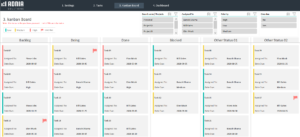
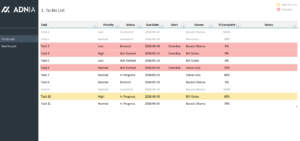
Adnia To Do List Excel Template
Original price was: $25.$21Current price is: $21. -
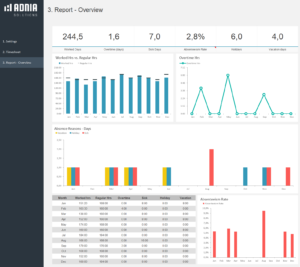
Project Management Dashboard Template
Original price was: $60.$39Current price is: $39. -
Adnia Task Management Template
Original price was: $45.$29Current price is: $29. -
-


Atharv Kulkarni –
Status tracking is what makes this useful for me. Tasks can be separated into backlog, doing, done, blocked, and overdue, so it’s much easier to notice where work is getting stuck. The dashboard also gives a clear breakdown by priority and team member, which helps when deciding what needs attention first.
Constantine Halloway –
Having a visual board inside Excel has been surprisingly useful. Moving tasks through different stages gives me a much clearer idea of workload and helps prevent smaller tasks from getting forgotten.
Kyle Jennings –
I really like how easy it is to filter tasks by team member. It saves time during status meetings because everyone can see their own work right away.
Ryan Callahan –
This has become our main project tracker. The dashboard is clean, the filters are useful, and it's much easier to keep track of tasks than our previous spreadsheet.
Magnus Radcliffe –
I needed to enable macros before all the automated functions worked correctly, but setup was straightforward afterward. The Automated Kanban Excel Template 3.0 now saves me from manually updating multiple task lists every day.
Cordelia Kensington –
We manage more than a hundred operational tasks across several projects, and the filtering options have been extremely useful. The Automated Kanban Excel Template 3.0 keeps the workload organized without requiring another subscription-based platform.
Matthew Collins –
As a project manager, I wanted something simple without paying for another monthly subscription. This template was exactly what I needed. The status tracking and priority views make it much easier to keep everyone on the same page, especially for smaller teams.