

Product on sale
Projects KPIs Excel Template
Record, organize and manage your most important Key Performance Indicators (KPIs) for each new project using the innovative Adnia Solutions Project KPIs Excel template. You already know how important each KPI is to meet your goals, so why not simplify both recordkeeping and communicating your information with colleagues.
What is included?
- One template with sample data
- One template ready to receive your data
- Estimated Delivery : Up to 4 business days
- Free Shipping & Returns : On all orders over $200
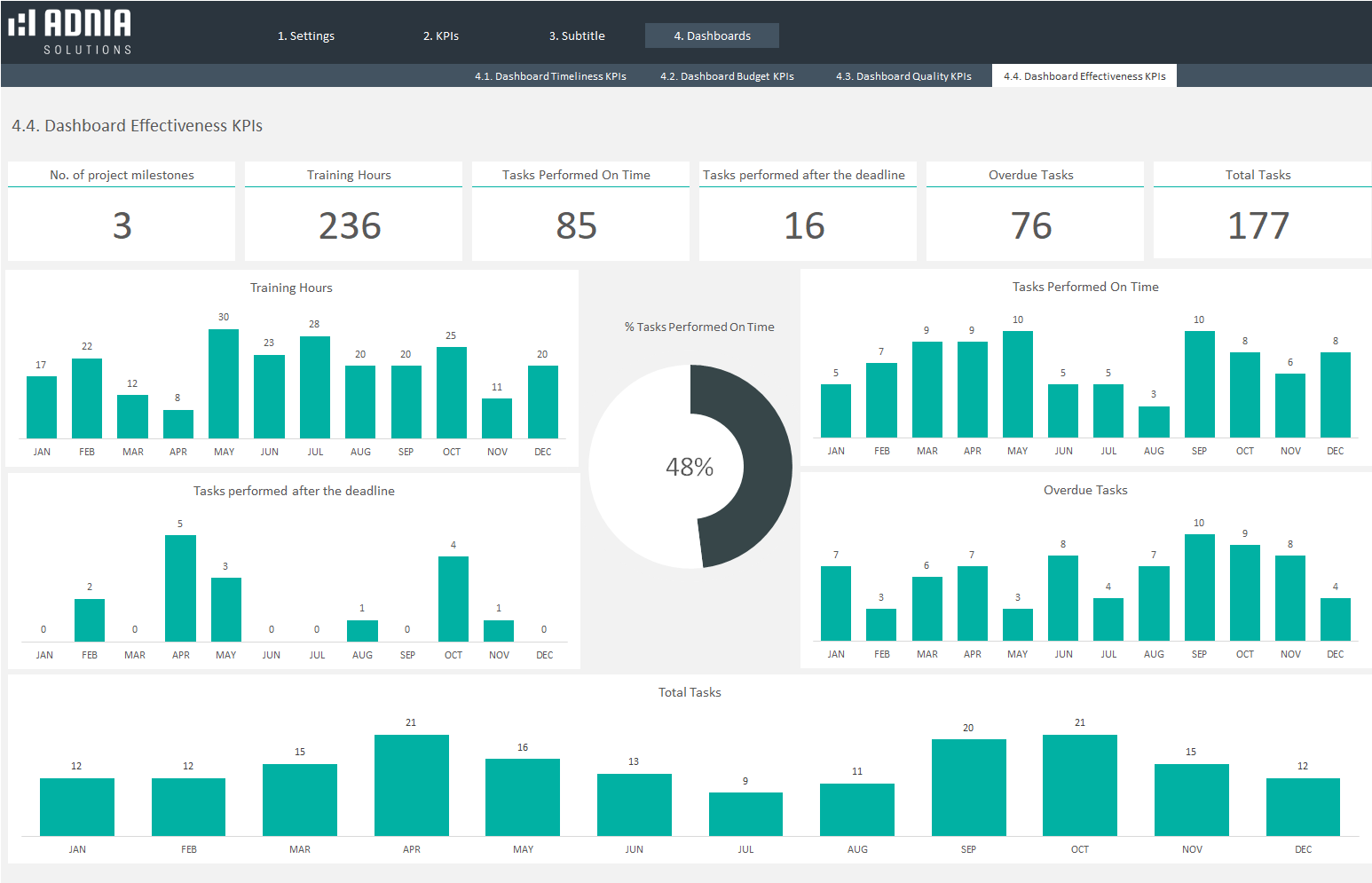
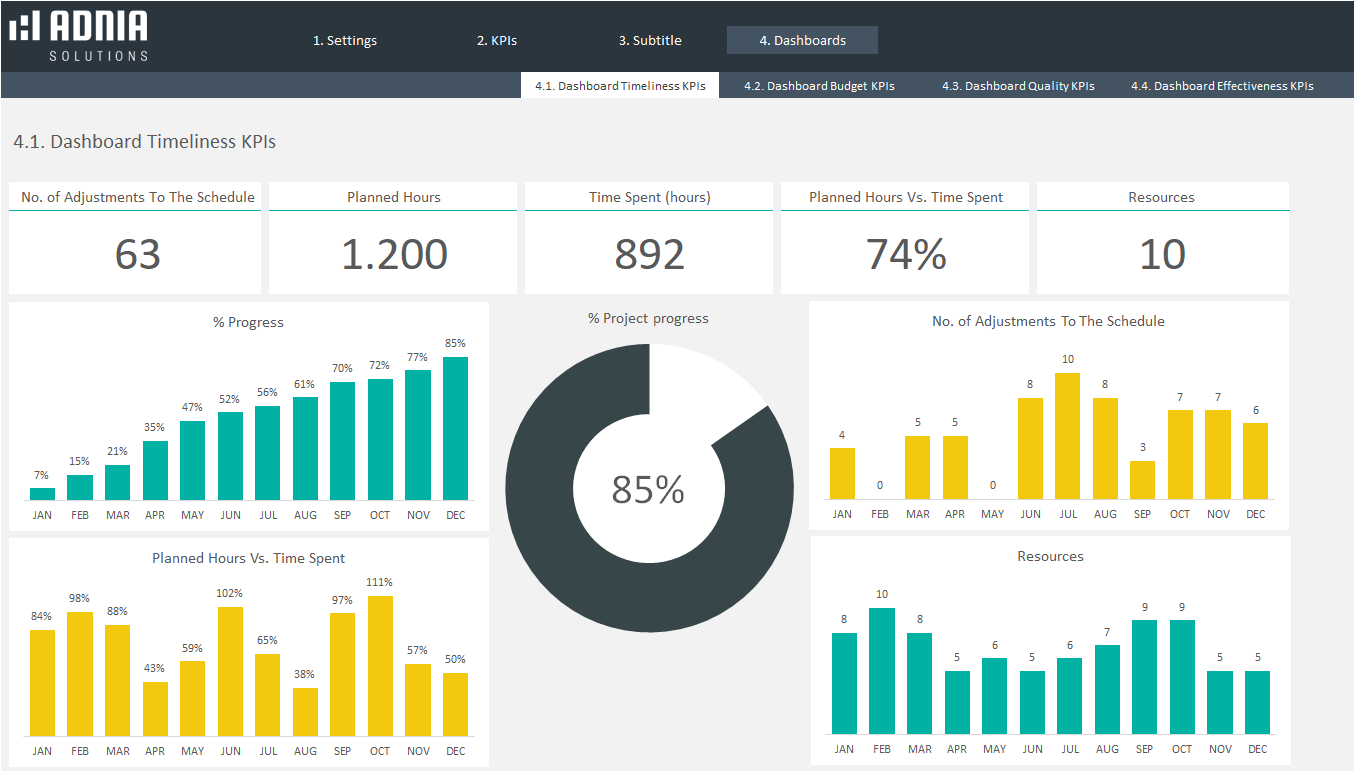
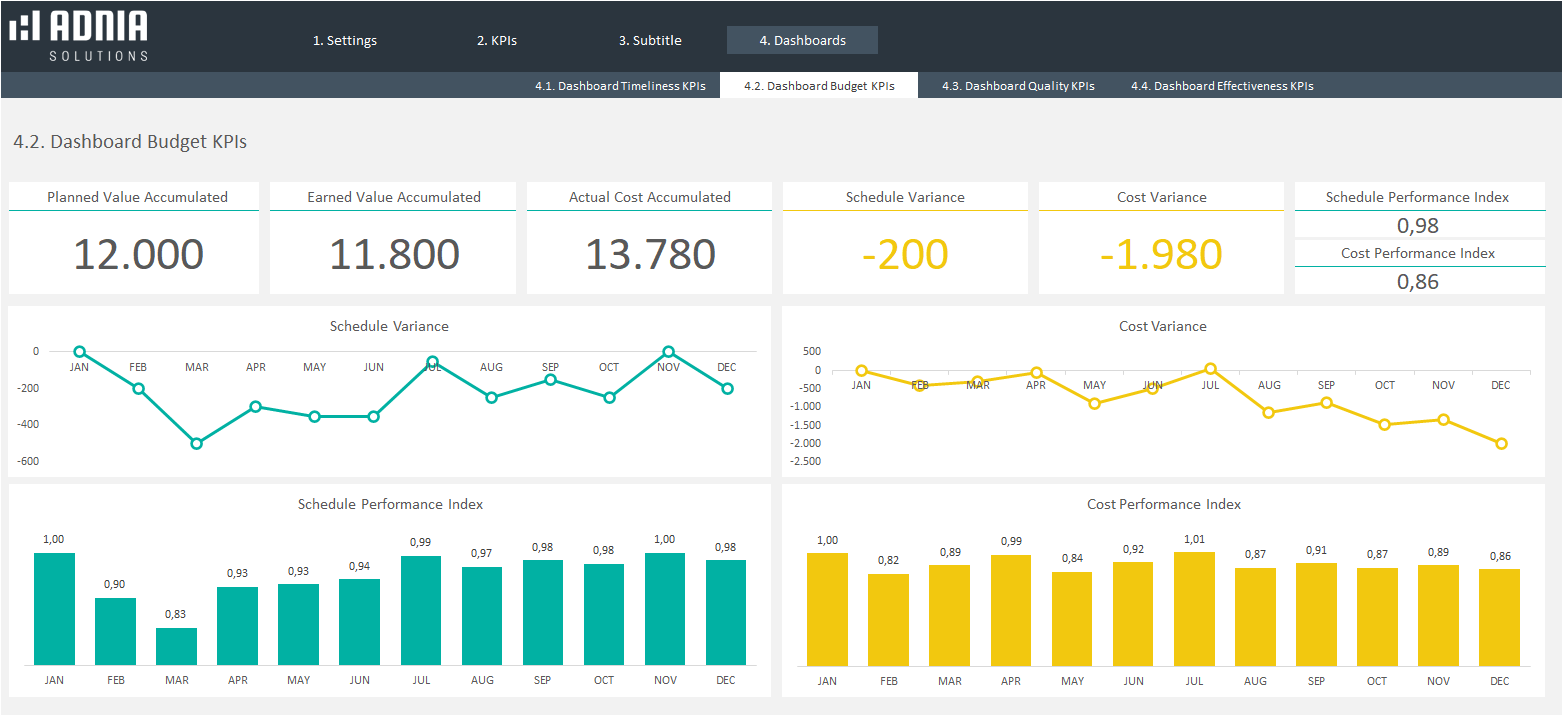
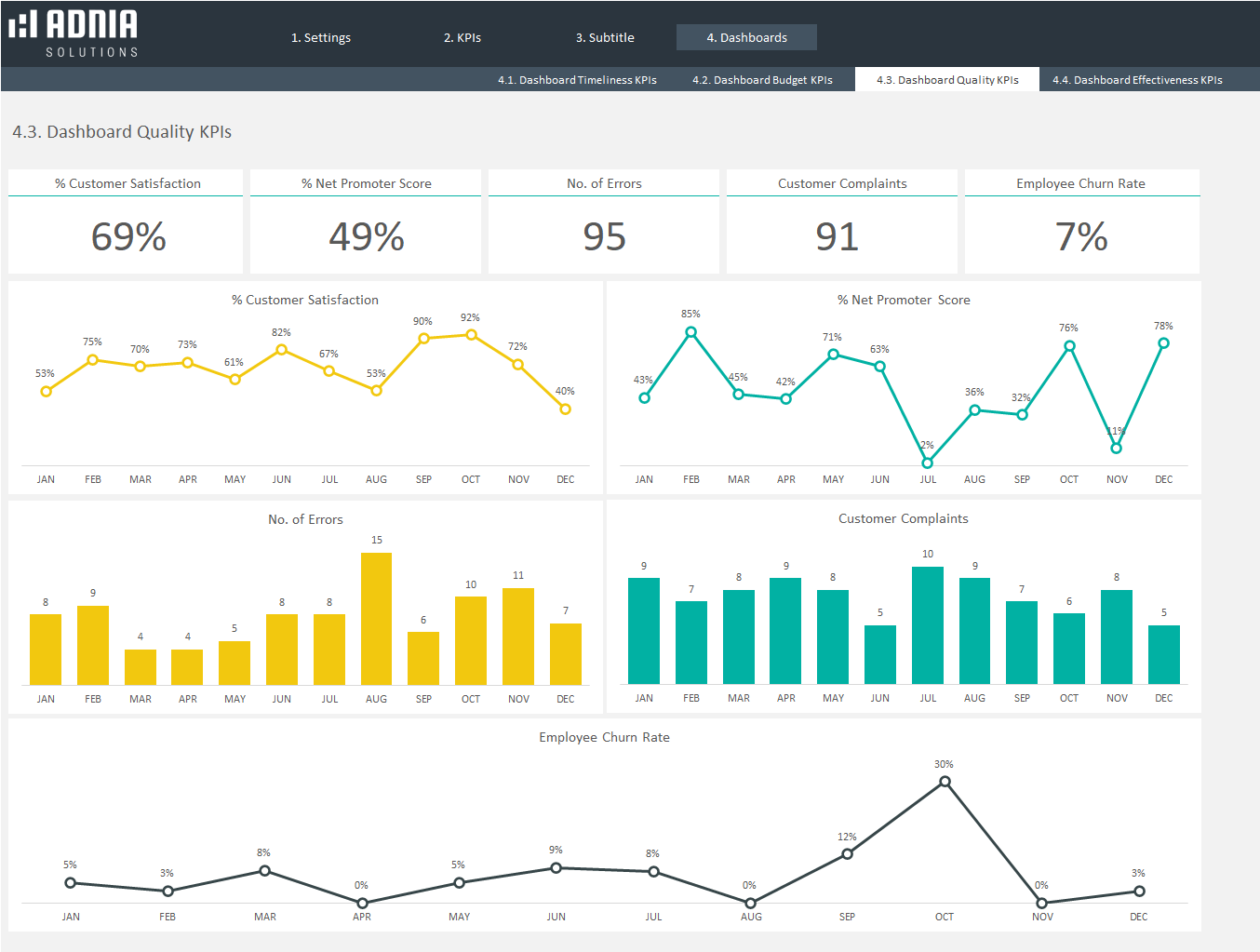
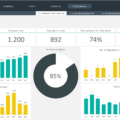
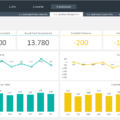
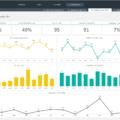
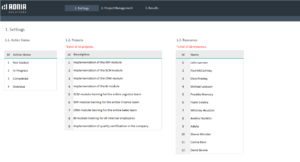
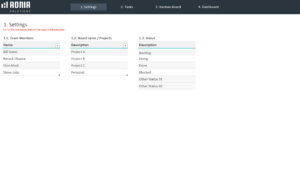
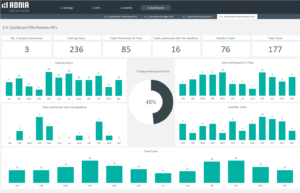
This comprehensive spreadsheet template categorizes your KPIs for effortless data entry. Enter a monthly data point for each KPI, and the template visually presents your data. The Projects KPIs Excel Template includes four complete dashboards, one for each KPI group (Timeliness, Budget, Quality, and Effectiveness).
Video Tutorial
Veja também: Project Management Dashboard Excel Template
Key Features
- Four Full KPI Dashboards: Timeliness, Budget, Quality, and Effectiveness
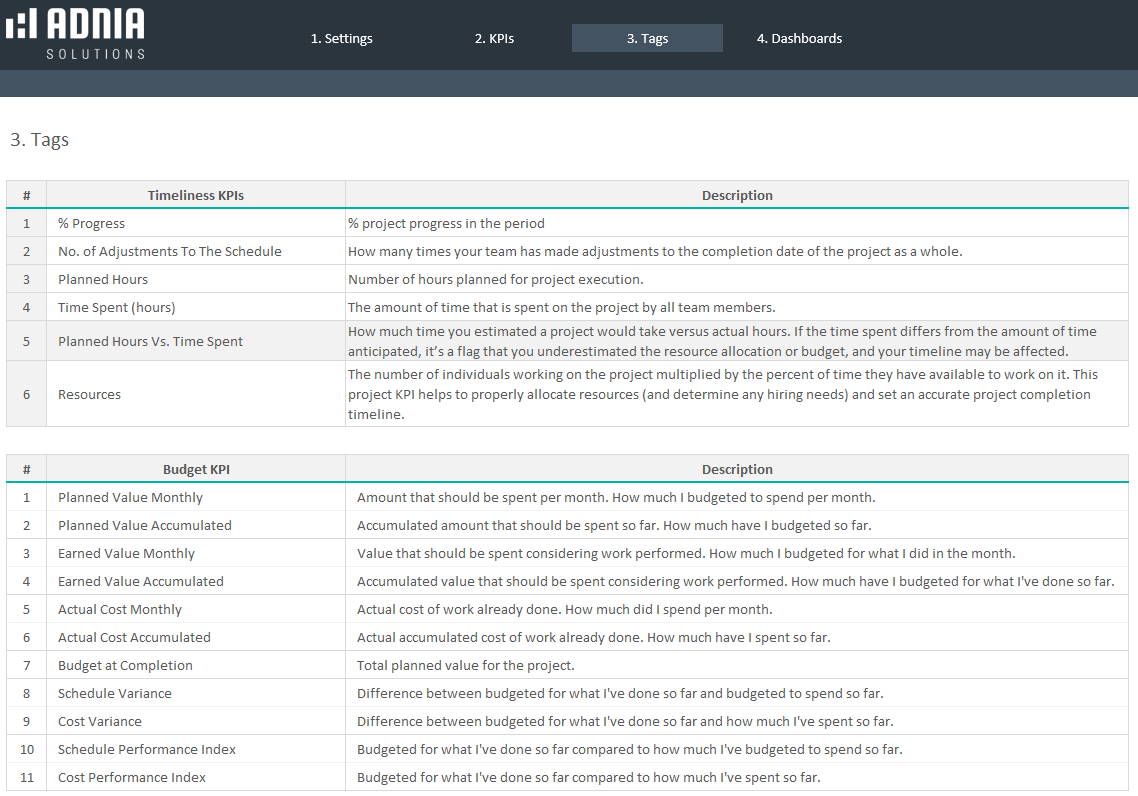
- Project KPIs can be described in detail
- See historical trends and use current information to make decisions
- Useful for large and small projects
- Ease reporting requirements by always being up to date
- Dashboards can be printed or shared digitally
Simple and Professional Projects KPIs Excel Template
- Horizontal menu for easy navigation between pages
- Fully unlocked template
Other Information
- Built for Excel 2010 or later
- Licensed for Private Use Only (not for distribution or resale)
The template may NOT be sold, distributed, published to an online gallery, hosted on a website, or placed on any server in a way that makes it available to the general public.
Contact
support@adniatemplates.com
4 reviews for Projects KPIs Excel Template
5.00 out of 5 stars
Add a review
Related products
-
-
-
Project Management Dashboard Template
Original price was: $60.$39Current price is: $39. -
Automated Kanban Excel Template 3.0
Original price was: $45.$29Current price is: $29. -
Adnia To Do List Excel Template
Original price was: $25.$21Current price is: $21.

Ignatius Sterling –
I like how the project KPIs are presented in a clear and practical way. It makes it easier to compare performance, spot areas falling behind, and understand overall progress without going through a lot of raw data.
Allison Hughes –
I like that the KPIs are grouped by areas like budget and quality. It makes it much easier to focus on the parts of a project that need attention
Benjamin Carter –
This template gives our project KPIs a much more professional look. The separate dashboards for budget, quality, timeliness, and effectiveness make monthly reporting much easier.
Maxx –
It took me a little time to decide which KPIs to track, but the sample file helped a lot. Once it was set up, the historical trends made project reviews much more organized.