
Social Media Calendar Template
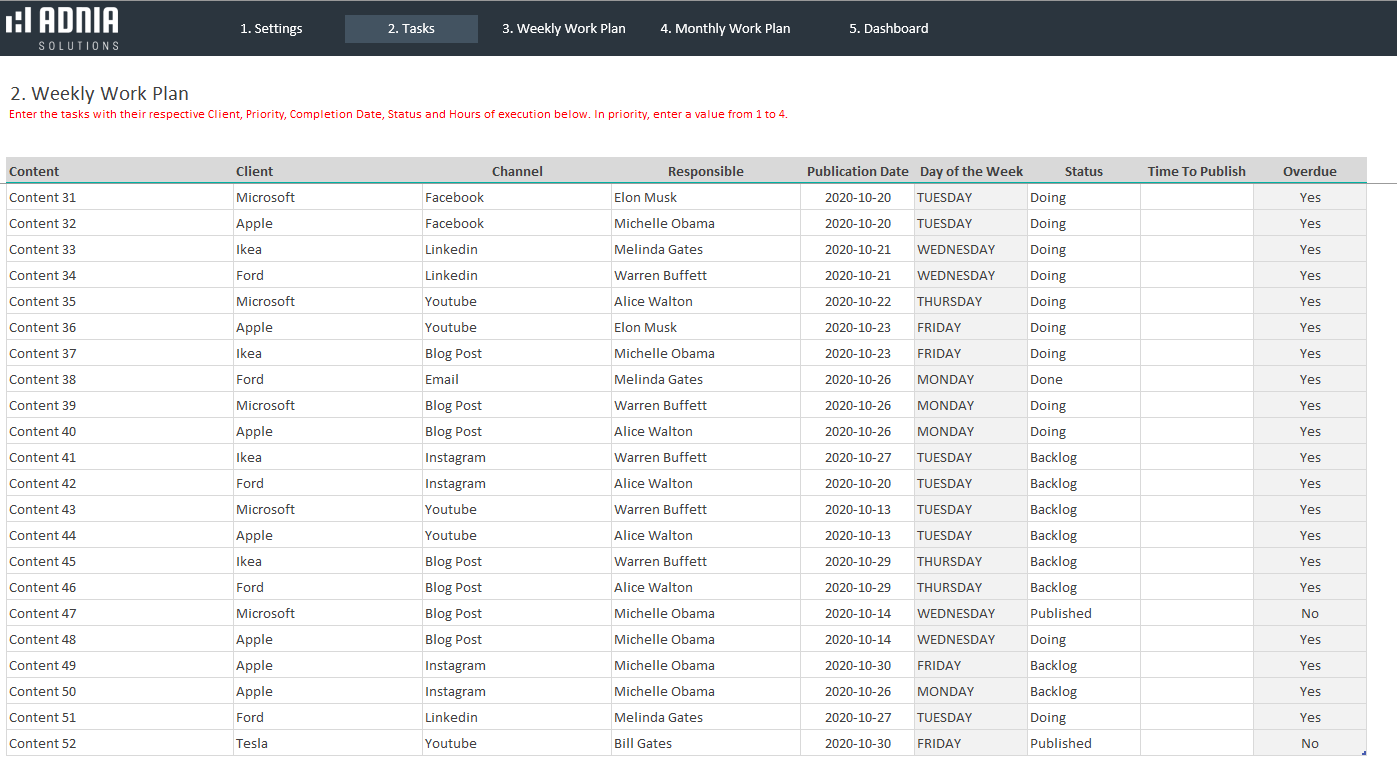
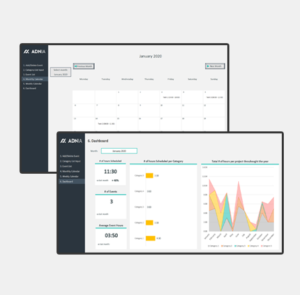
Creating and publishing social media content is becoming increasingly important to the success of any business. Set your schedule, publish consistently and do it all more efficiently with the Adnia Social Media Calendar Template. This Excel template is a multi-pronged solution with both weekly and monthly calendars, a beautifully designed dashboard, and a familiar spreadsheet format to enter your data.
ATTENTION! This template is only compatible with Windows.
Key Features
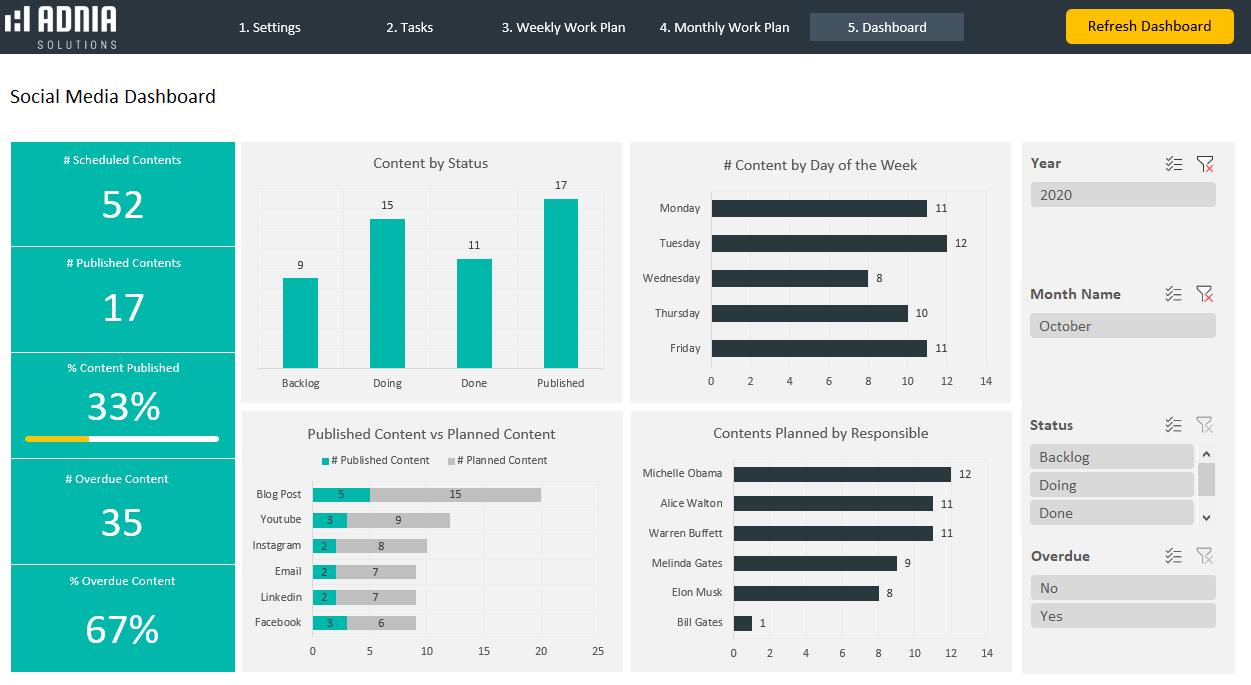
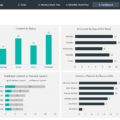
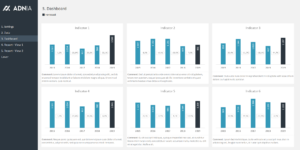
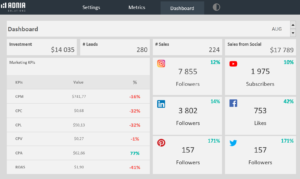
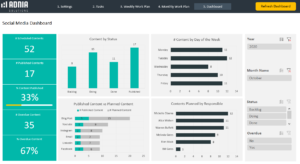
- Dashboard design captures all the information you need to know. View content by platform, team member, and client
- Track your planned vs published content to plan more effectively
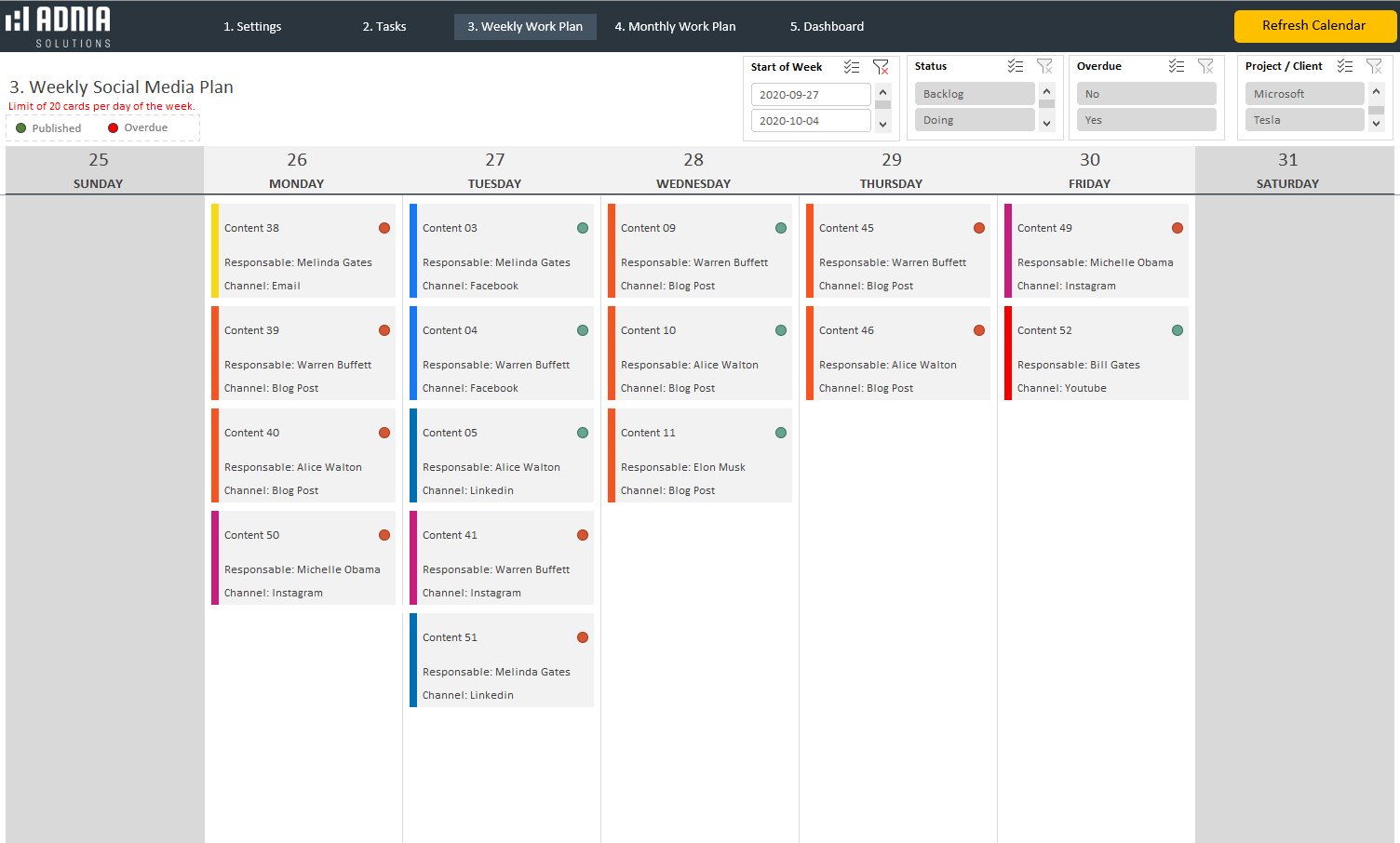
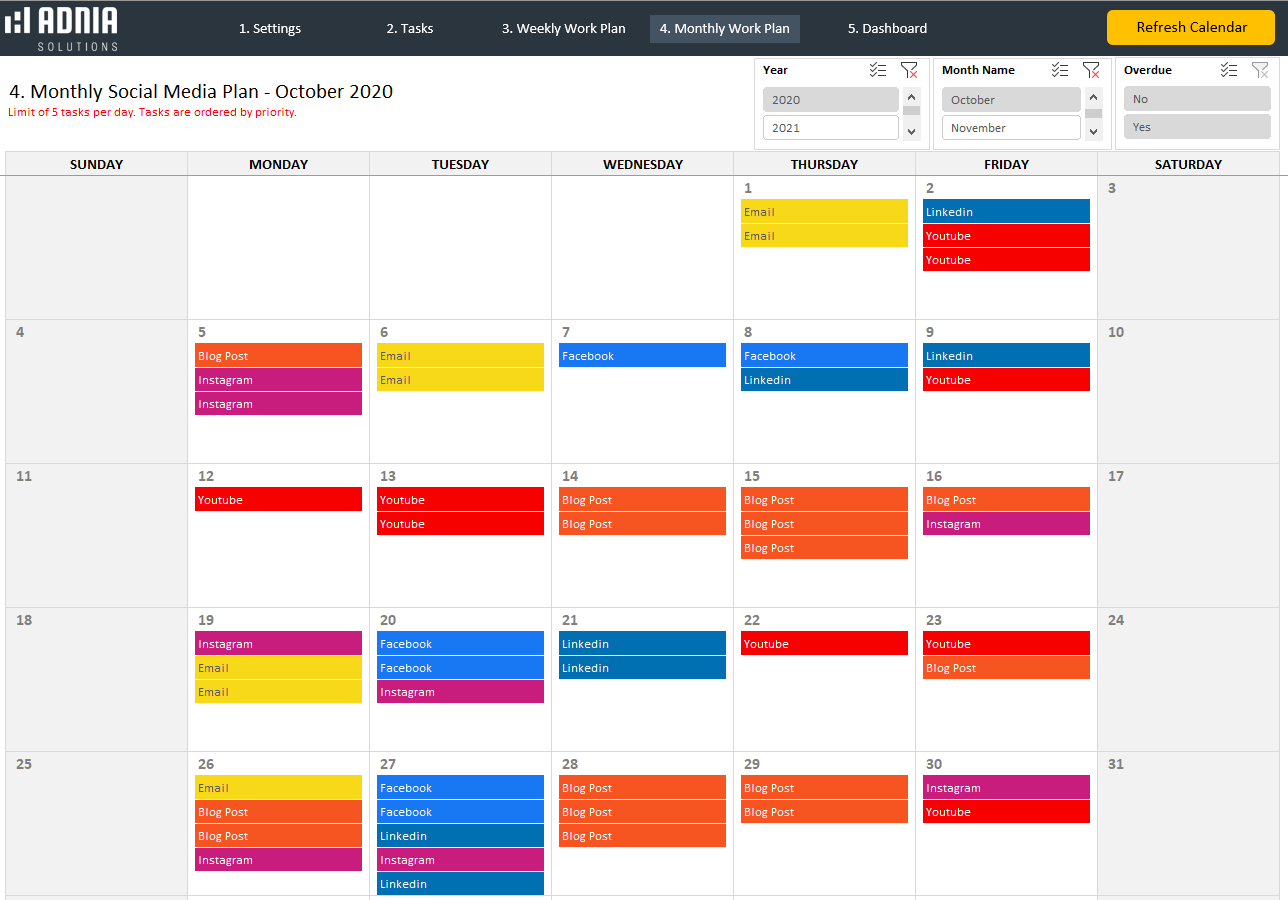
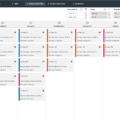
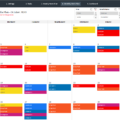
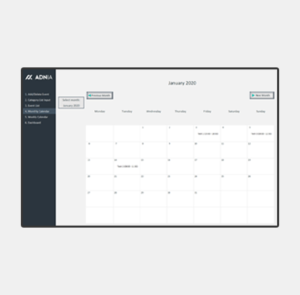
- Weekly and monthly calendar work plans with up to five tasks per day and are color-coded by priority
- Visuals are professional and attractive for communication and presentations
What is included?
- One template with sample data
- Two templates in different colors ready to receive your data
- Estimated Delivery : Up to 4 business days
- Free Shipping & Returns : On all orders over $200
Content doesn’t just appear, so take charge of your social media output. The weekly and monthly calendar work plans have room for up to five tasks per day and are color-coded to easily identify the status of a task. Use the dashboard to view all your most important metrics in one place. See immediately what content is overdue and who is responsible. This can help in future allocation of tasks and help overall time management.
Simple and Professional
- Microsoft Excel spreadsheet template
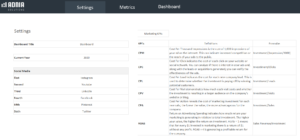
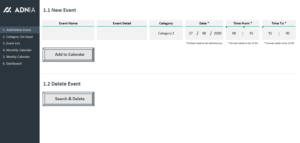
- Side menu for easy navigation between pages
- Spreadsheets ready for printing without Adnia logo
- No monthly fees
- Immediate download
- Secure payment with PayPal or Stripe (no account needed)
- Fully unlocked template
Take a tour:
Other Information
- Built for Excel 2016 or later
- Windows Only
- Licensed for Private Use Only (not for distribution or resale)
The template may NOT be sold, distributed, published to an online gallery, hosted on a website, or placed on any server in a way that makes it available to the general public.
4 reviews for Social Media Calendar Template
5.00 out of 5 stars
Add a review
Related products
-
-
SEO Metrics Dashboard Template
Original price was: $35.$25Current price is: $25. -
-
-

Kavya Iyengar –
Our content planning is much smoother now. We can map out posts for the month, keep captions and ideas organized, and avoid those last-minute “what are we posting today?” situations.
Rosalind Standish –
Planned vs published view is really useful for keeping content on schedule. It’s easy to spot overdue posts, see who’s responsible, and make sure nothing gets missed during a busy week.
Michael Turner –
I like having both the weekly and monthly planning pages. It gives us a clear picture of what's coming up without switching between different files.
Rachel Simmons –
Clean layout, easy to update, and perfect for staying organized.