
Project Management Dashboard Excel Template
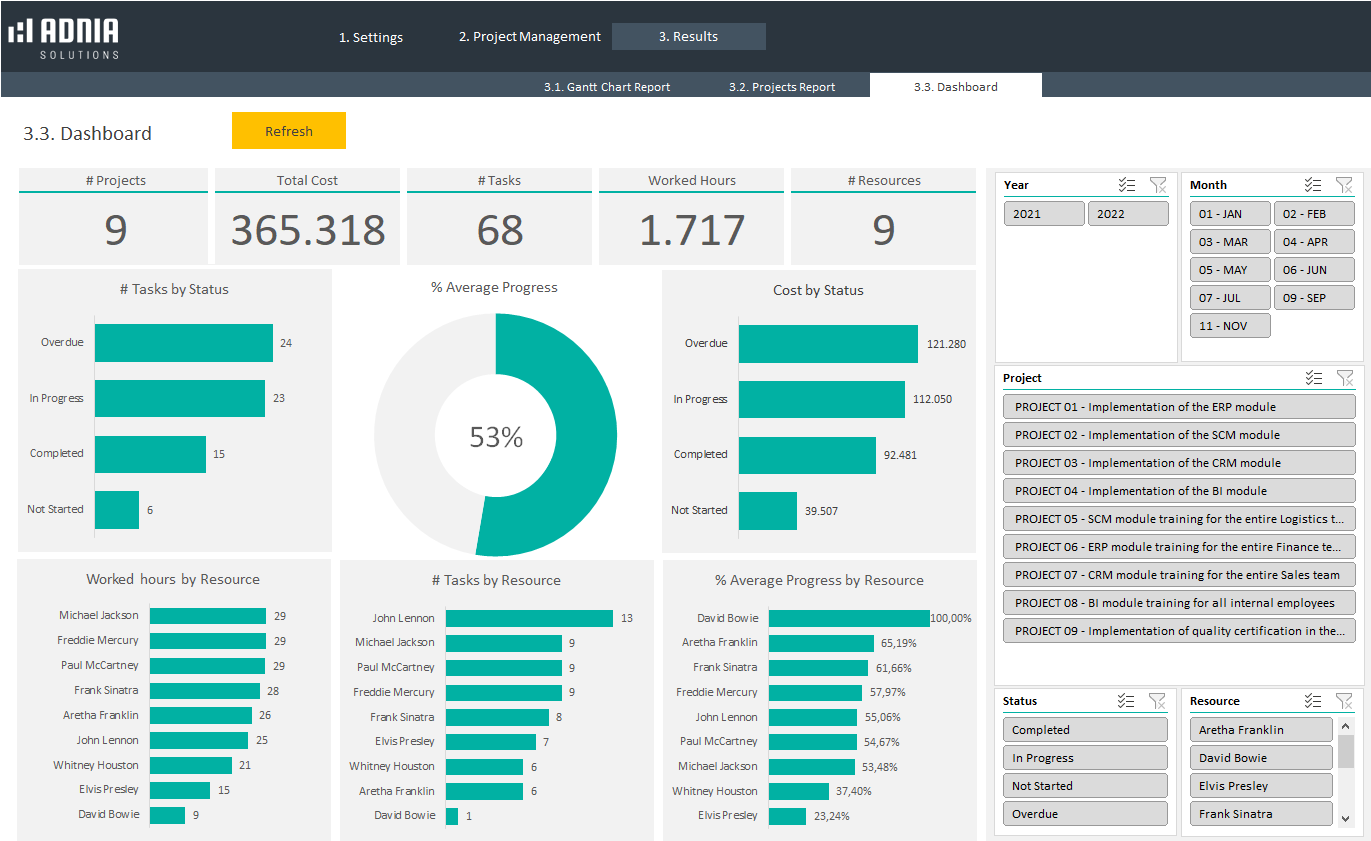
Manage multiple projects, track progress, monitor deadlines, and visualize project performance with a ready-to-use Project Management Dashboard Excel Template.
One-time purchase • No subscription • Instant download
What You’ll Get
✓ Project management dashboard
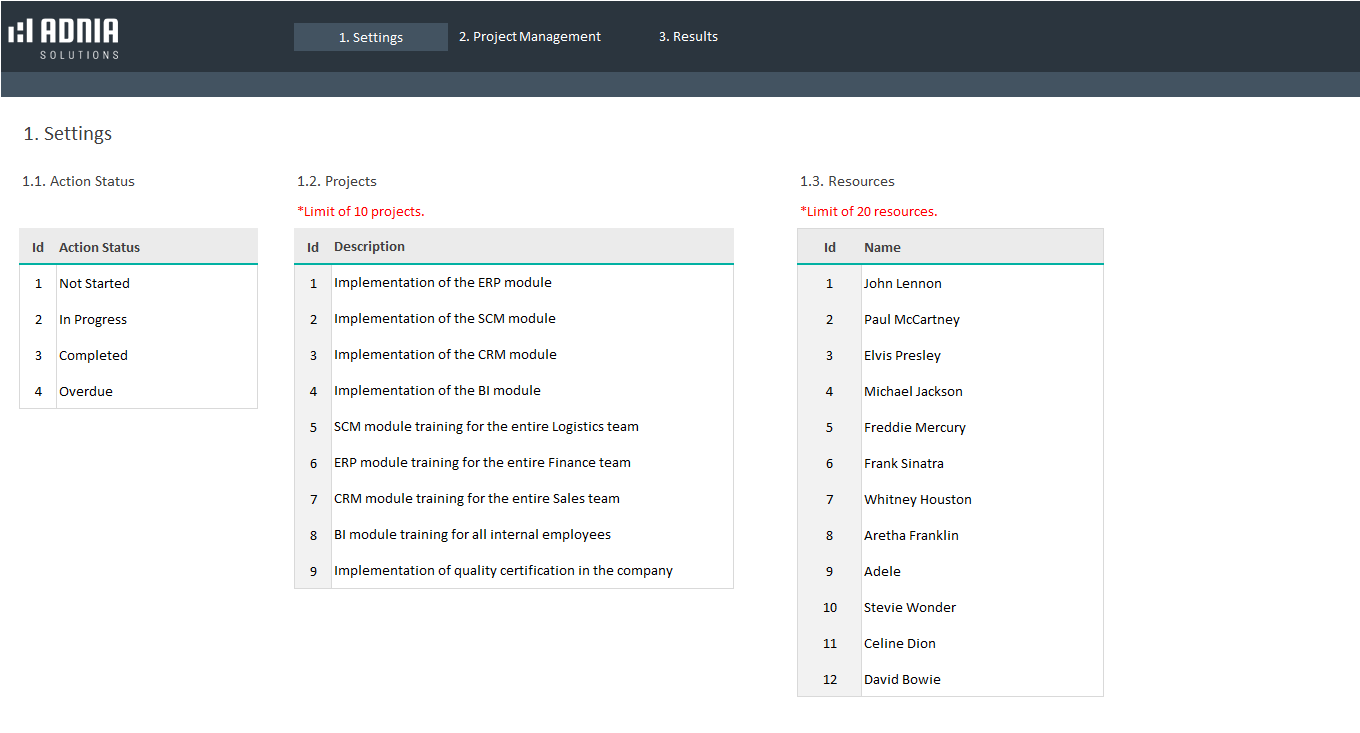
✓ Track up to 10 projects
✓ Manage up to 20 resources
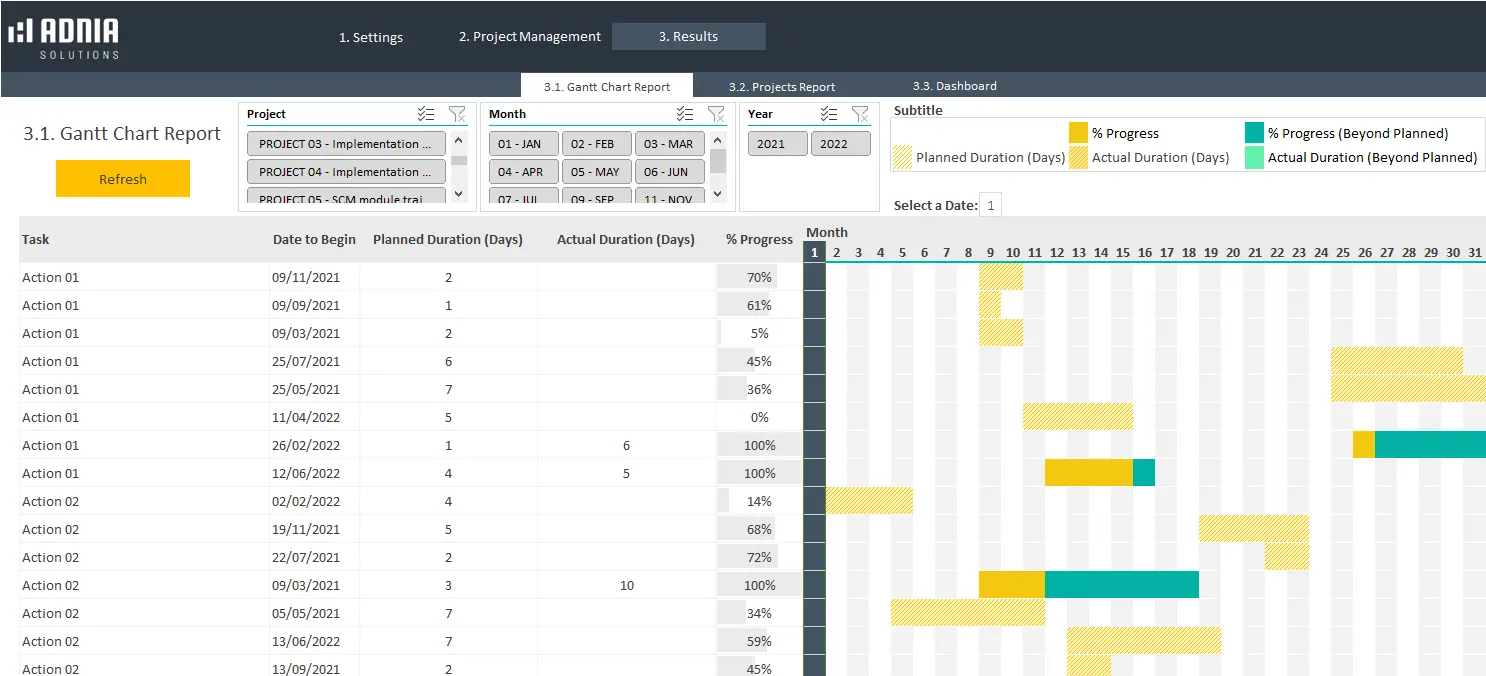
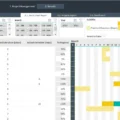
✓ Gantt chart report
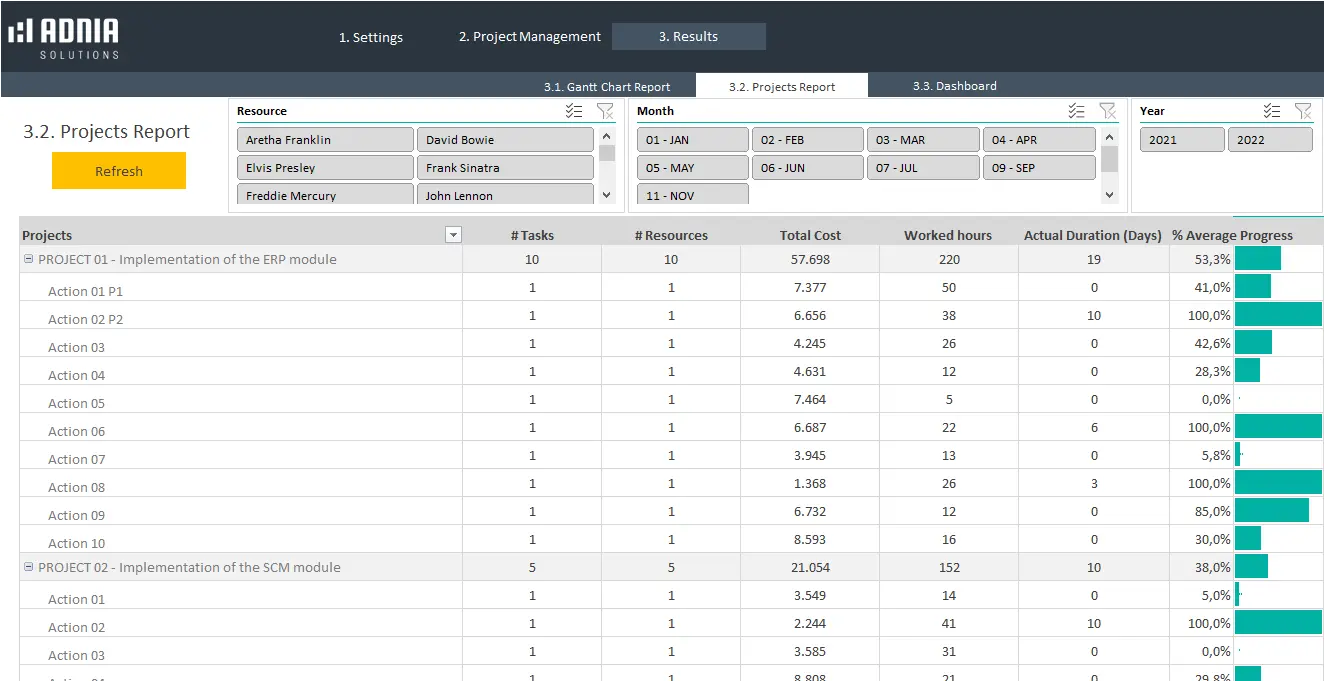
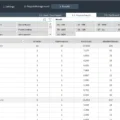
✓ Projects performance report
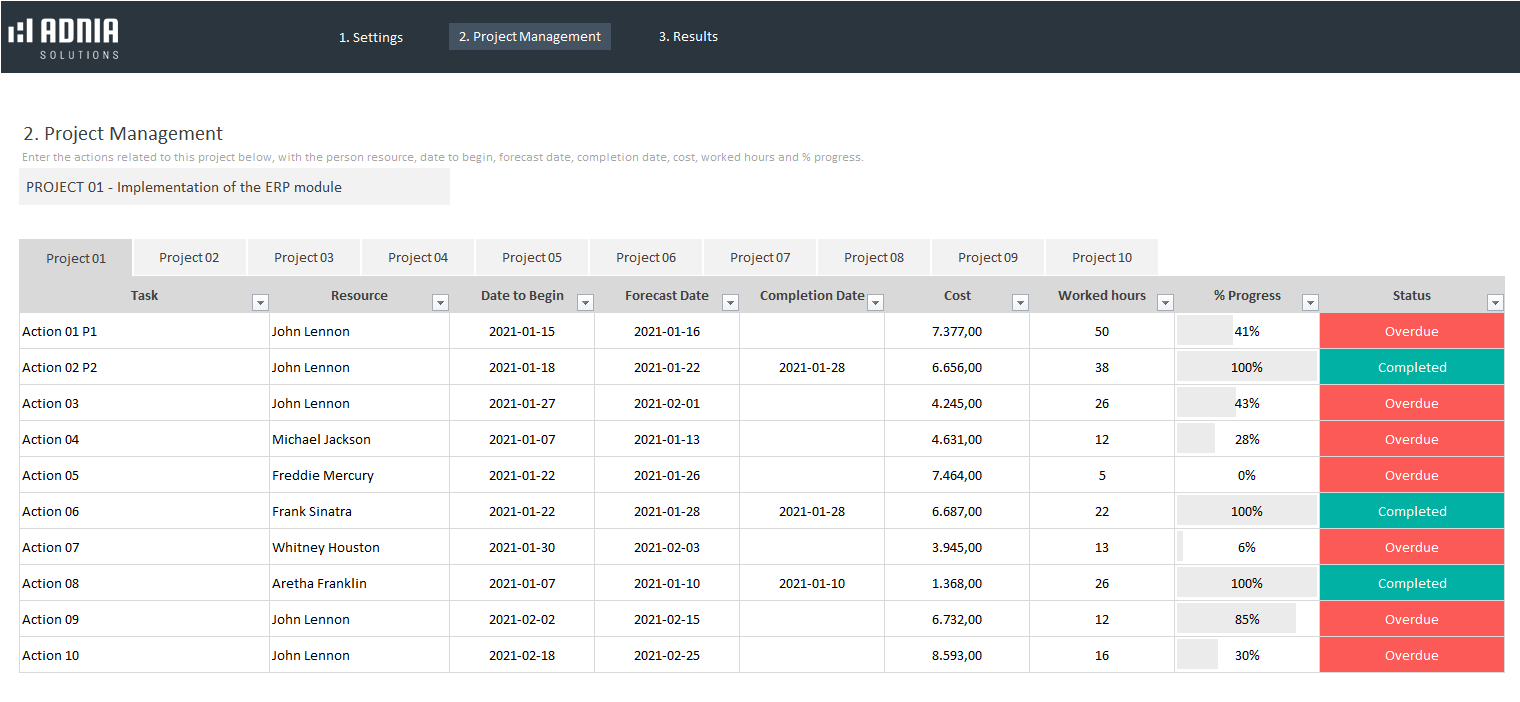
✓ Planned vs. actual progress tracking
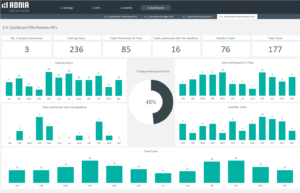
✓ Project KPIs and performance analysis
✓ Individual and overall project views
✓ Fully unlocked and editable Excel template
- Estimated Delivery : Up to 4 business days
- Free Shipping & Returns : On all orders over $200
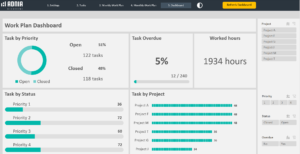
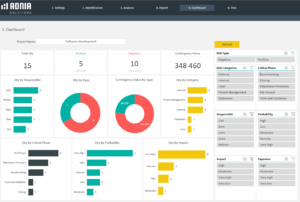
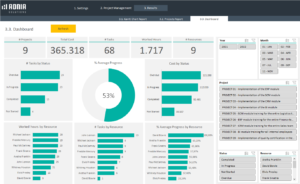
The Project Management Dashboard Excel Template allows you to manage and analyze up to 10 projects while tracking up to 20 resources. Compare planned and actual progress, monitor project KPIs, review deadlines, and quickly identify areas that need attention.
Use the dashboard to view project data individually or across all projects, while the built-in reports make it easier to communicate project status and performance with your team.
Key Features
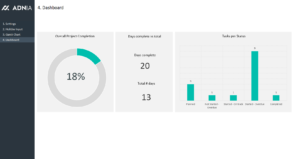
- Project Management Dashboard — View individual project data or an overview of all projects in one place.
- Gantt Chart Report — Visualize project schedules, timelines, and progress.
- Projects Report — Create clear project reports that can be shared digitally or printed.
- Planned vs. Actual Progress — Compare planned progress with actual results by month, project, or longer periods.
- Project KPIs — Monitor important performance indicators to support better project management decisions.
- Multiple Projects — Manage up to 10 projects in the same workbook.
- Resource Management — Track up to 20 resources across your projects.
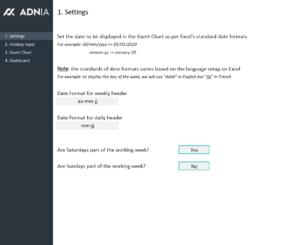
- Easy Navigation — Use the horizontal menu to move between the different sections.
- Fully Unlocked — Customize the template to suit your project management needs.
Video Tutorial
See also: Projects KPIs Excel Template
What’s Included
- One Project Management Dashboard Excel Template with sample data
- One ready-to-use template for entering your own project data
- Dashboard and project reporting tools
- Gantt chart report
- Project performance tracking
Compatibility & License
-
Microsoft Excel: Compatible with Excel 2010 or later.
-
License: Licensed for private use only and not for distribution or resale.
The template may NOT be sold, distributed, published to an online gallery, hosted on a website, or placed on any server in a way that makes it available to the general public.
Need Help?
For questions or support, contact support@adniatemplates.com.
7 reviews for Project Management Dashboard Excel Template
5.00 out of 5 stars
Add a review
Related products
-
-
Projects KPIs Excel Template
Original price was: $45.$35Current price is: $35. -
Adnia Task Management Template
Original price was: $45.$29Current price is: $29. -
Risk Assessment Excel Template
Original price was: $45.$42.30Current price is: $42.30. -

Gideon Vane –
Weekly project meetings are much smoother now because I can quickly check progress, deadlines, and workload in one view. It helps me spot delays early and decide what needs attention first.
Brian McKenzie –
Setup was straightforward. After entering our project data, the dashboard and reports were ready to use with very little effort.
Megan Foster –
We've replaced our old tracking spreadsheet with this template. Comparing planned progress against actual progress has made our weekly reviews much more productive.
Lucian Delacroix –
The Gantt chart in the Project Management Dashboard Excel Template helped us notice two scheduling conflicts before they affected delivery. Having a visual timeline makes project discussions much easier than reviewing dates in a standard task list.
Rosamund Ellsworth –
The Project Management Dashboard Excel Template gives me a clear overview of seven active client projects without switching between separate files. I can review individual projects or compare everything together during our weekly operations meeting.
James Daunt –
High design quality! Each template is laid out in a way that’s easy to follow and effective.
Michael Davis –
Impressive value! Saved me time and money, like magic stick.