


Automated Weekly Schedule Excel Template
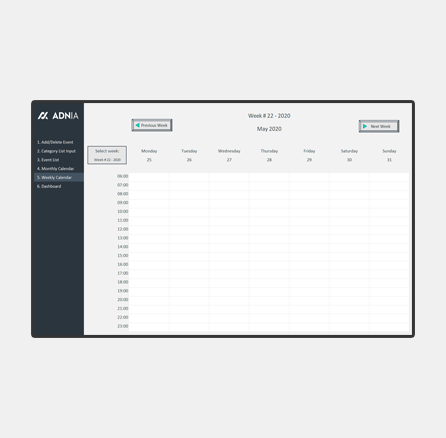
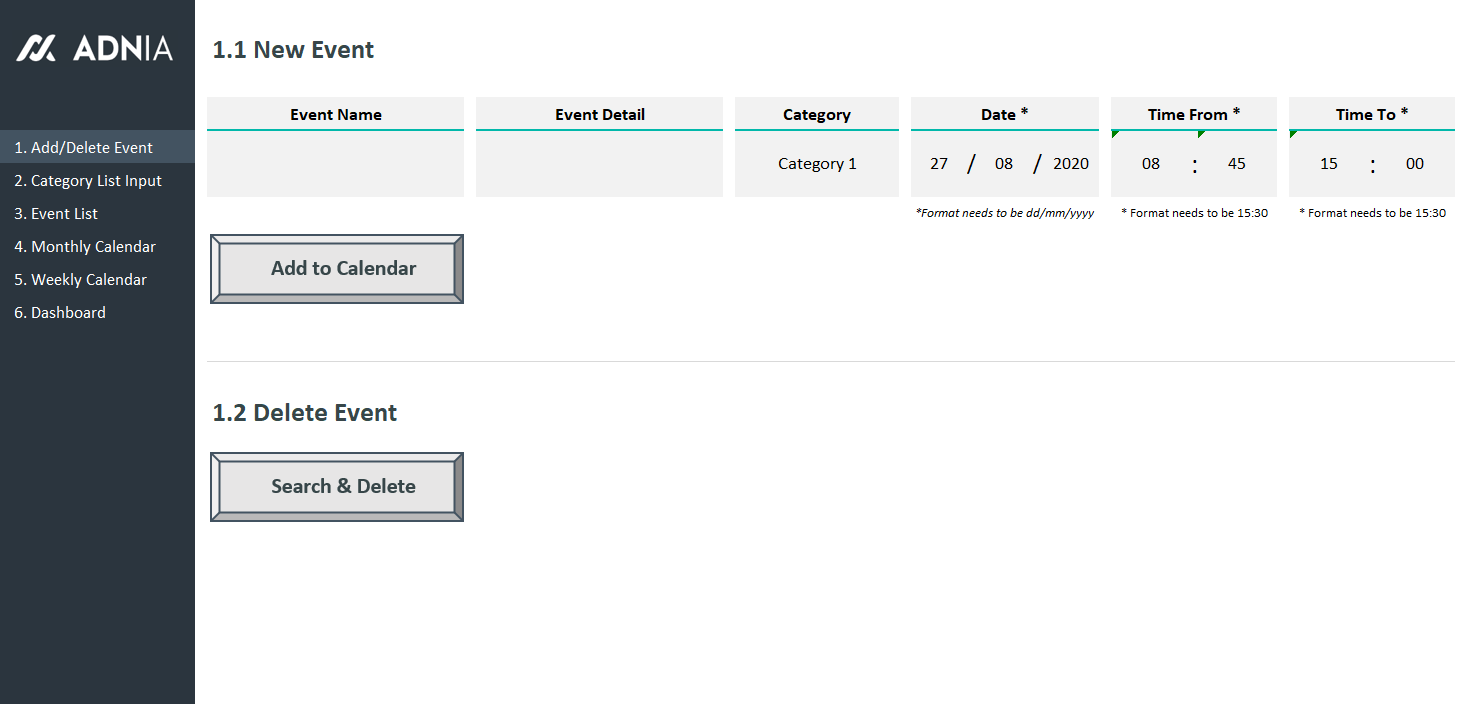
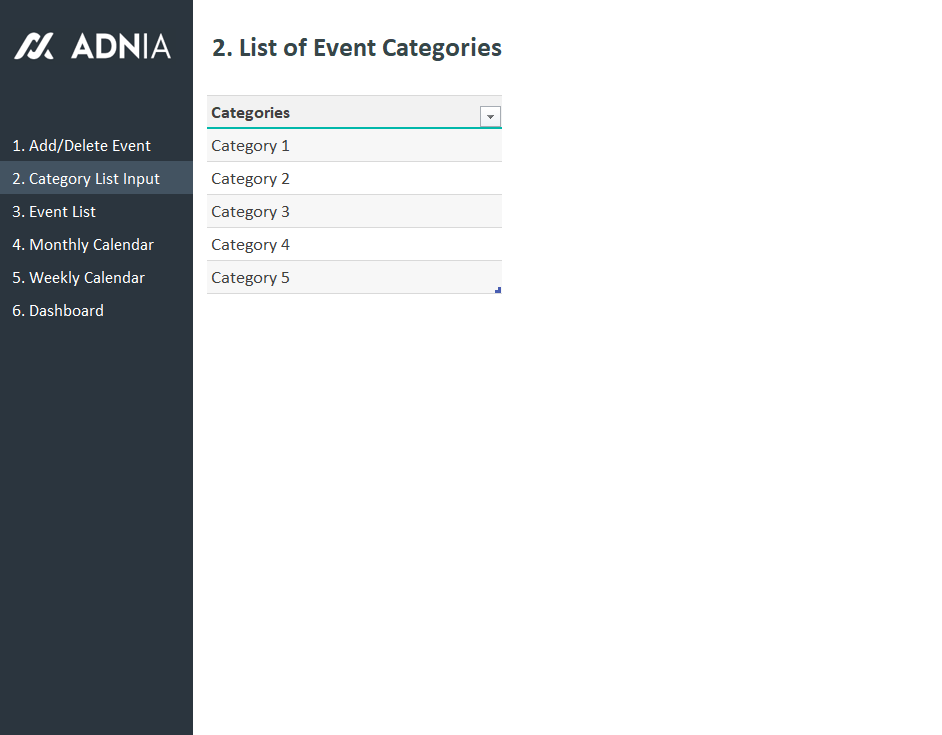
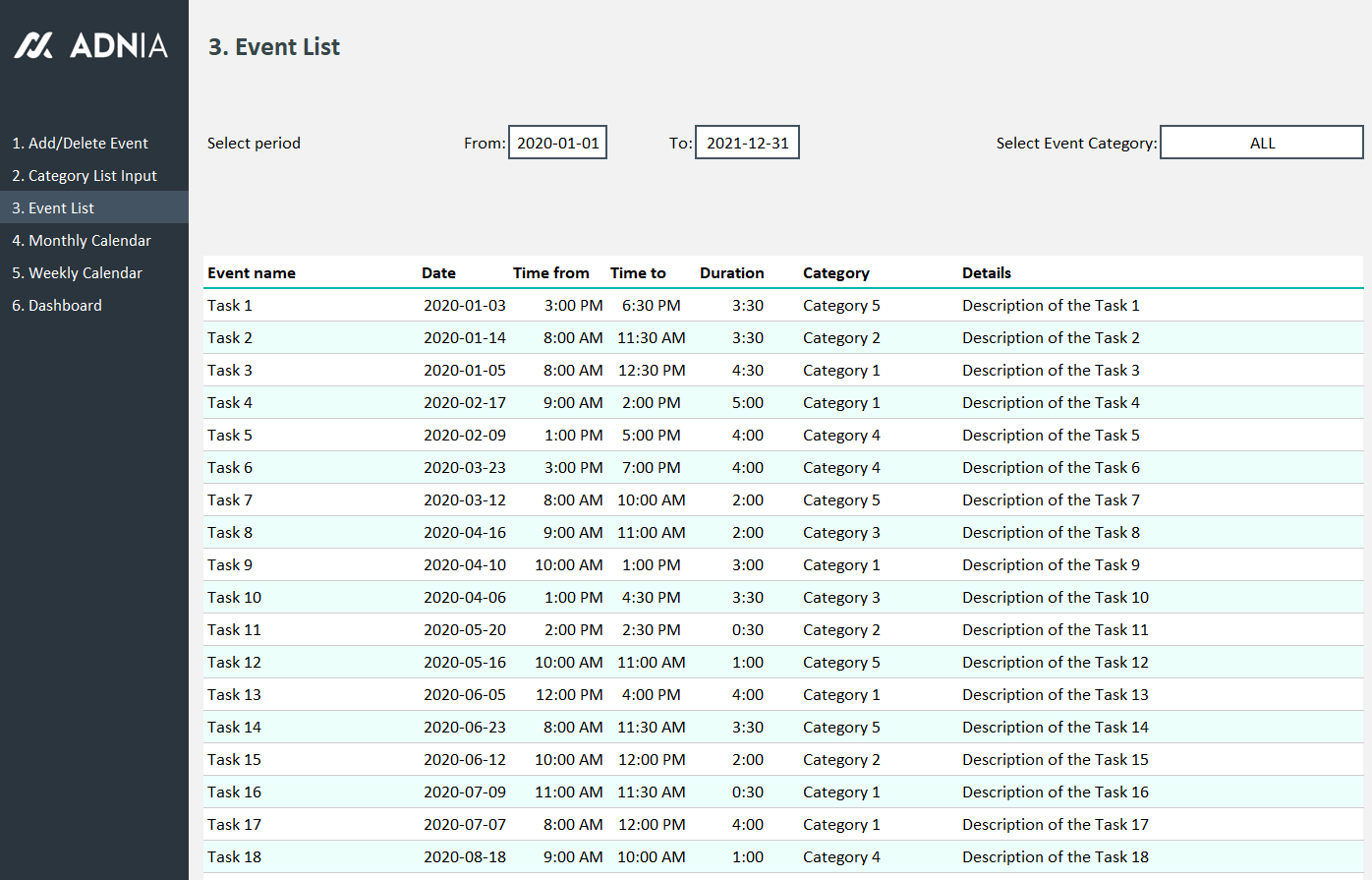
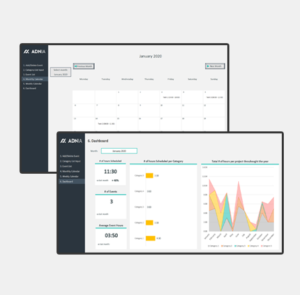
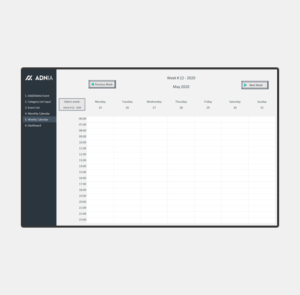
The Automated Weekly Schedule Excel Template is a tool designed to help organise and track tasks, weather they are related to a specific purpose, such as allocating time and resources to clients, or for an overall organisational need. The event list and Dashboard are analysis features that makes this tool more than a simple calendar, it is an excellent time management tool.
Key Features
- No limit in number of tasks added
- Possibility to view calendar under weekly format
- Ability to add tasks until end of 2021
Simple and Professional
- Microsoft Excel spreadsheet template
- Side menu for easy navigation between pages
- Spreadsheets ready for printing without Adnia logo
- No monthly fees
- Immediate download
- Secure payment with PayPal or Stripe (no account needed)
- Fully unlocked template
What is included?
- One template with sample data
- One template ready to receive your data
Download Free Demo Version
- Estimated Delivery : Up to 4 business days
- Free Shipping & Returns : On all orders over $200
How it works:
Other Information
- Built for Excel 2010 or later
- Windows Only
- Licensed for Private Use Only (not for distribution or resale)
The template may NOT be sold, distributed, published to an online gallery, hosted on a website, or placed on any server in a way that makes it available to the general public.
Help & Support
support@adniatemplates.com
4 reviews for Automated Weekly Schedule Excel Template
5.00 out of 5 stars
Add a review
Related products
-
-
-
Contract Management Excel Template
Original price was: $60.$39Current price is: $39. -
-
Annual Report Template Excel
Original price was: $35.$29.40Current price is: $29.40.
Chloe Henderson –
The time blocks are easy to follow, and I like that I can keep meetings, deadlines, and personal plans together in one worksheet. It fits my routine really well.
Guinevere Holbrook –
The Automated Weekly Schedule Excel Template has made it much easier to plan my week and keep everything organized. I like being able to see my tasks and activities clearly in one schedule, and it saves me time compared with creating a new weekly planner from scratch.
Brandon Foster –
I was looking for a simple scheduling tool that didn't require expensive software. This template was easy to set up, and we started using it the same day.
Jaxen Steele –
The weekly layout gives me a clear view of everything coming up without showing too much information at once. It works well for organizing client appointments, internal tasks, and project deadlines.