
Adnia Excel Timesheet Template 2.0
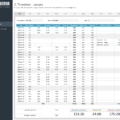
Excel Timesheet Template is a simple and effective time tracking spreadsheet. Easily track regular and overtime hours for yourself or your employees. This spreadsheet will save you time by automatically calculating hours worked. It can even track rates and reasons for absences and makes graphs that you can quickly interpret.
Key Features
- Fully unlocked template
- Measure hours worked with this monthly timesheet
- Record regular and overtime hours (weekdays, weekends and holidays)
- Calculate hours worked
- Track overtime and absence hours
- Manage paid and unpaid leave
- A filled month sheet is included as an example
- Estimated Delivery : Up to 4 business days
- Free Shipping & Returns : On all orders over $200
Why make recording labor hours more difficult than it has to be? Timesheet Management Template will help to reduce the time you have to spend recording and analyzing employee time- or your own.
How It Works
What is included?
- One template with sample data
- One template ready to receive your data
Highlights
- Convenient [h]:mm format for recording hours.
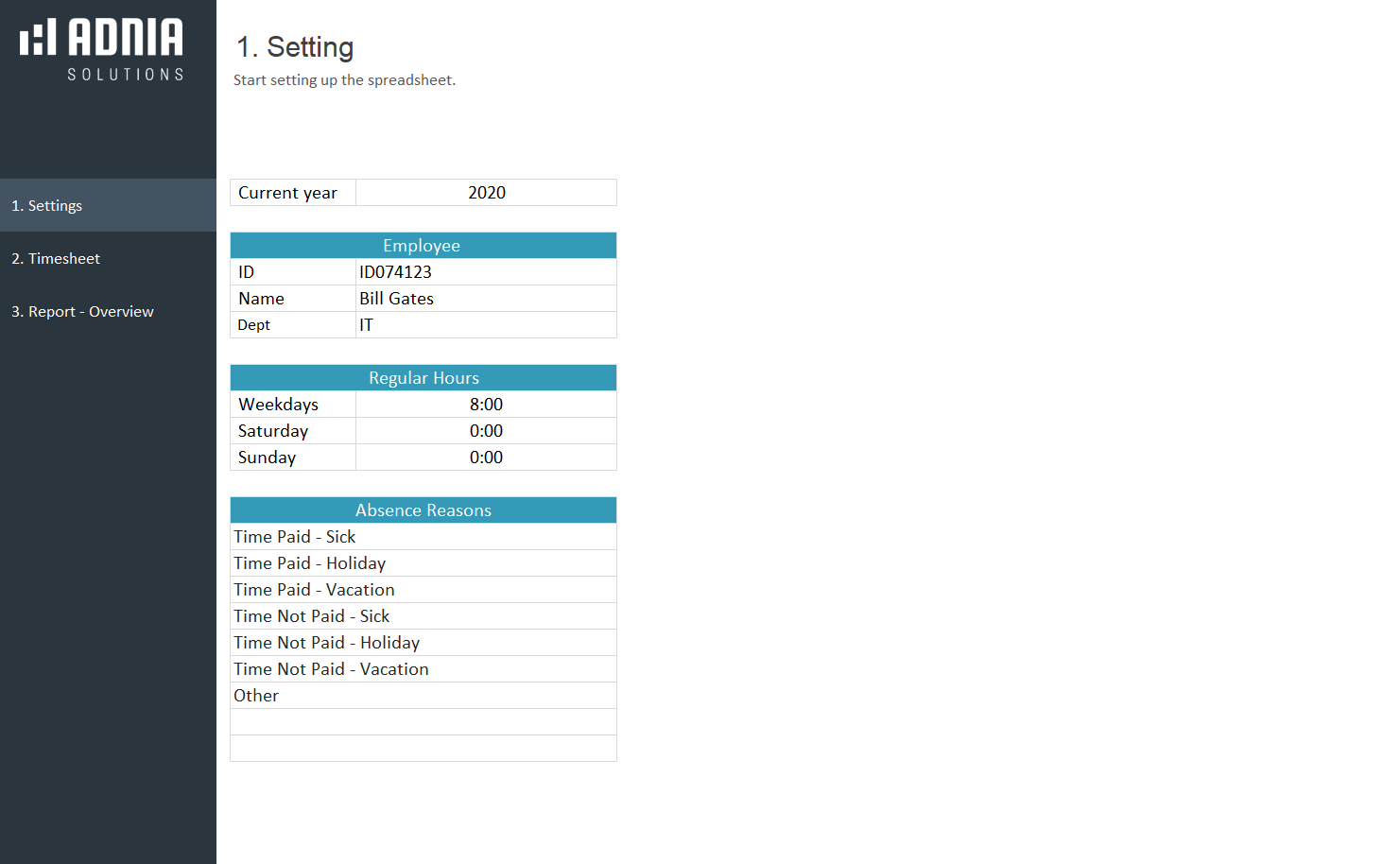
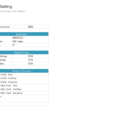
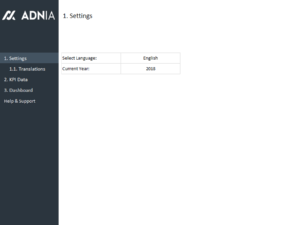
- Setup Page
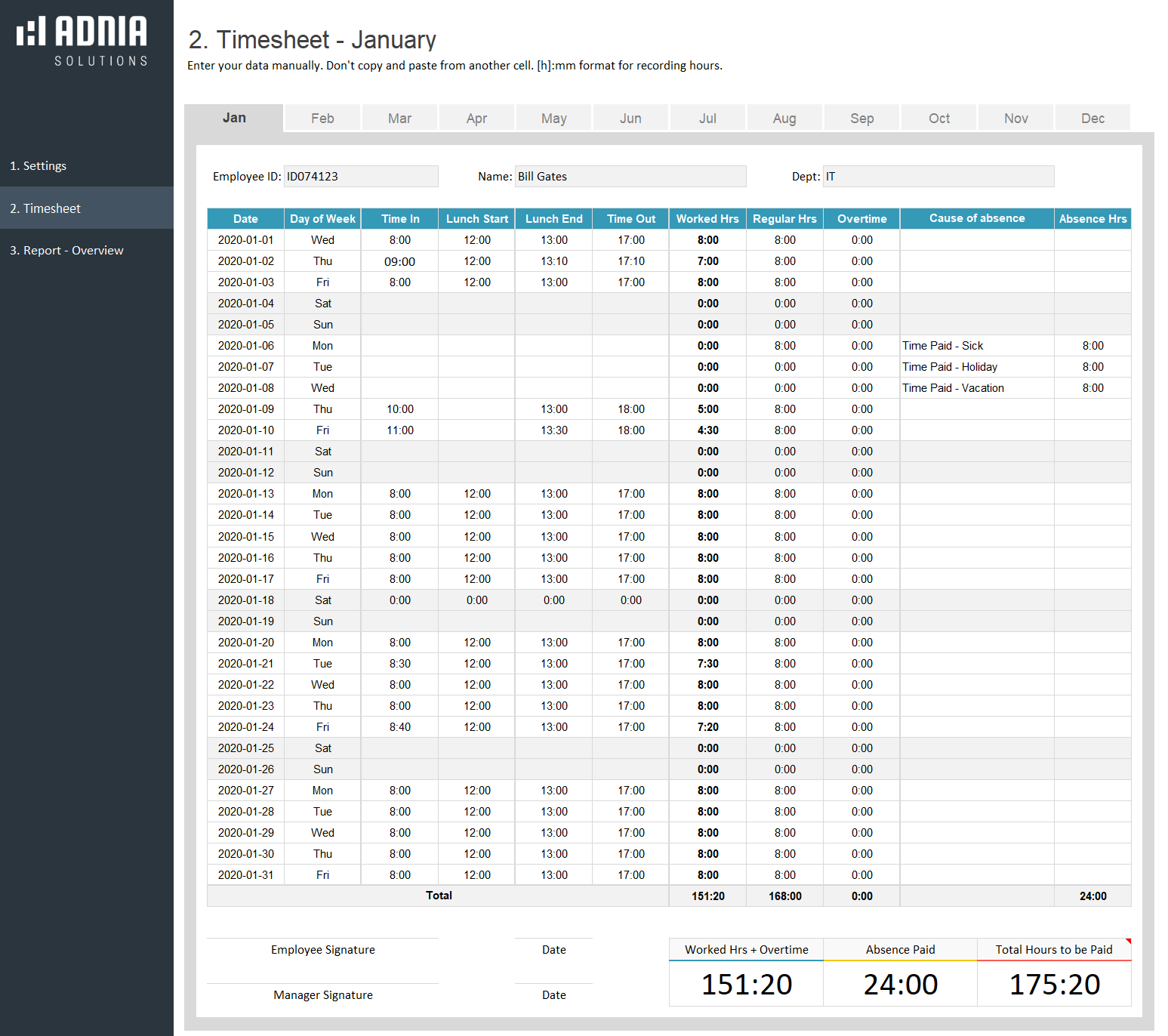
- 12 sheets for monthly control (one sheet for each month)
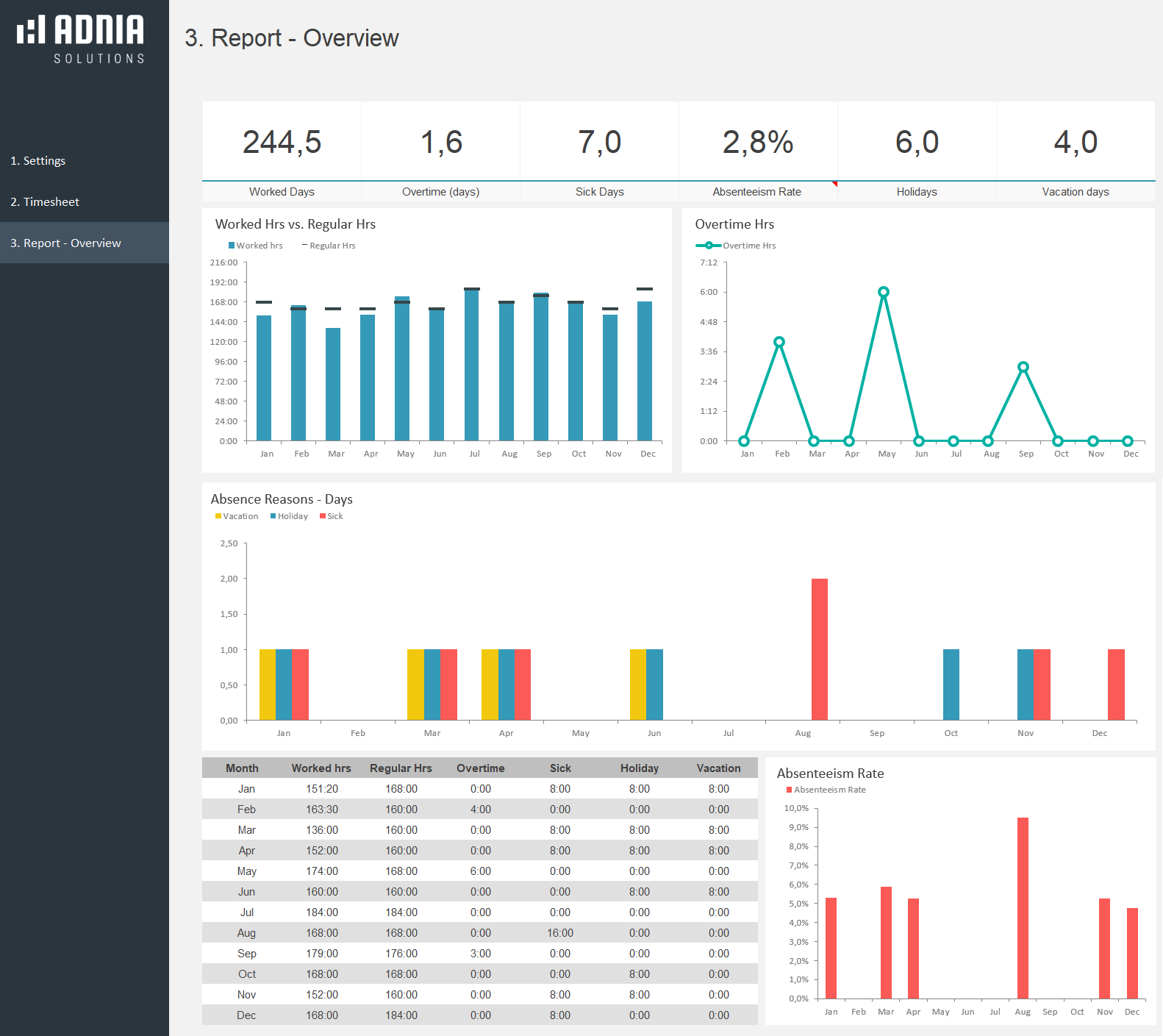
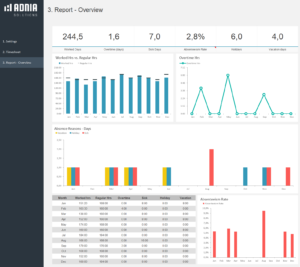
- 1 amazing report/dashboard (overview)
Getting Started
- Set up the spreadsheet. Choose the current year; enter employee information (id, name and department) and regular hours.
- For each workday, enter the In and Out time. Worked hours and overtime are calculated automatically. If you did not work, leave the field empty.
- Depending on employment contracts, some absences, such as holidays and vacations are not paid by the company. In the field “Cause of Absence,” chose the reason and if the time is paid or unpaid for your company.
Hint: Enter your data manually, instead of copying and pasting from another cell.
Other Information
Built for Excel 2007 or later
Licensed for Private Use Only (not for distribution or resale)
The template may NOT be sold, distributed, published to an online gallery, hosted on a website, or placed on any server in a way that makes it available to the general public.
Contact
4 reviews for Adnia Excel Timesheet Template 2.0
5.00 out of 5 stars
Add a review
Related products
-
HR Recruitment Dashboard Template
Original price was: $45.$39.60Current price is: $39.60. -
-
Health and Safety Dashboard Template
Original price was: $45.$35Current price is: $35. -
-

Rhea Bhatt –
Tracking overtime across weekends and holidays was becoming messy for our field crew. The monthly sheets now calculate regular and extra hours automatically, while the paid and unpaid leave options make payroll reviews much easier.
Imogen Prescott –
I use it every week to record hours for different projects, and it’s been very straightforward. Totals are easy to check, and I no longer have to add everything up manually at the end of the week.
Maximilian Abernathy –
Makes recording work hours much easier, especially when managing several employees or projects. The layout is simple to follow, and calculating total hours feels far less tedious than doing it manually each week.
David Hassan –
Impressive quality and detail! I love how much easier my work has become.